
First-Time User Experience
First-Time User Experience
Role
Role
Senior Product Designer
Senior Product Designer
Year
Year
2016
2016
Responsibilities
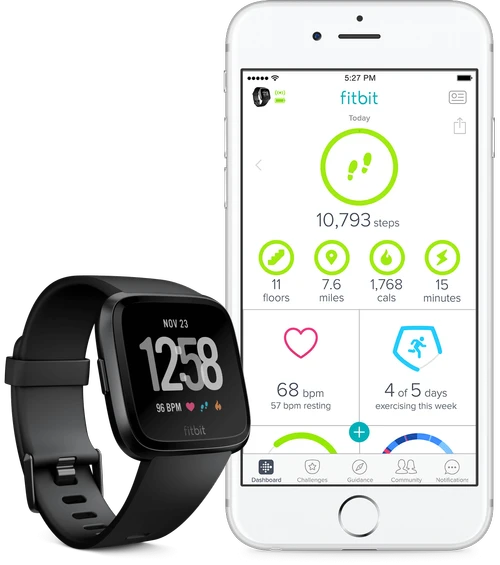
Fitbit needed a better robust first-time user experience for their platform features, and wearables. Their onboarding needs grew as their wearables became more complex and number of platform features increased, like sleep tracking, exercise, social, goals, and more.
Retention
7 day user retention was dropping below 85%.
Support calls
Customer support calls related to device setup were increasing.
Complex Devices
Device setup could not accommodate the more complex smart wearables about to launch.
The project touched most of the teams at Fitbit including, all devices team, all feature teams, marketing and business. Coordination, communication, and transparency were important throughout the process.
The type of users ranged from young pro athletes to older people who want to get outside more and count their steps.
To better understand the pain points of what users where going through during onboarding and device setup, I conducted a combination of interviews and usability tests to focus on qualitative results.
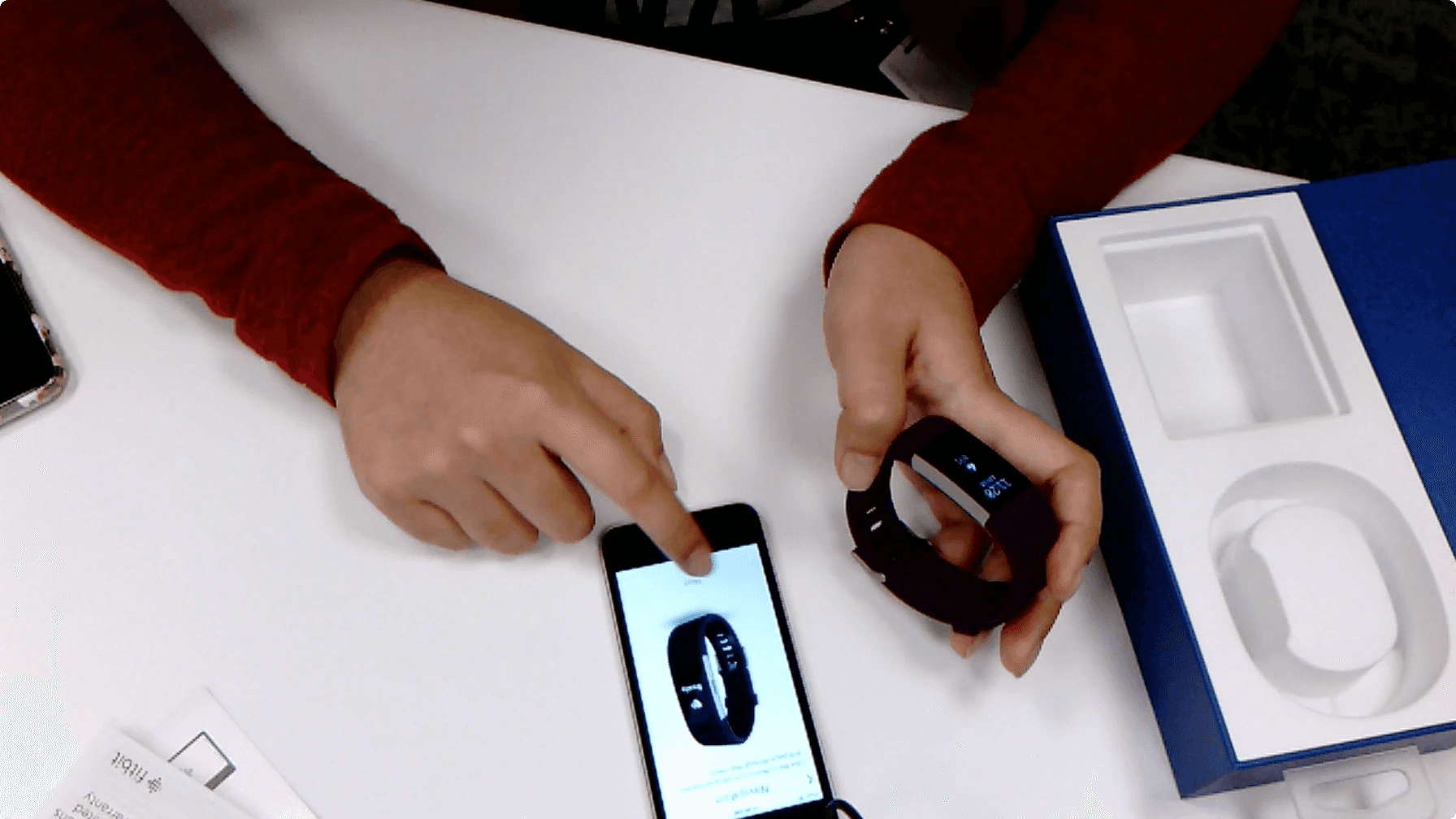
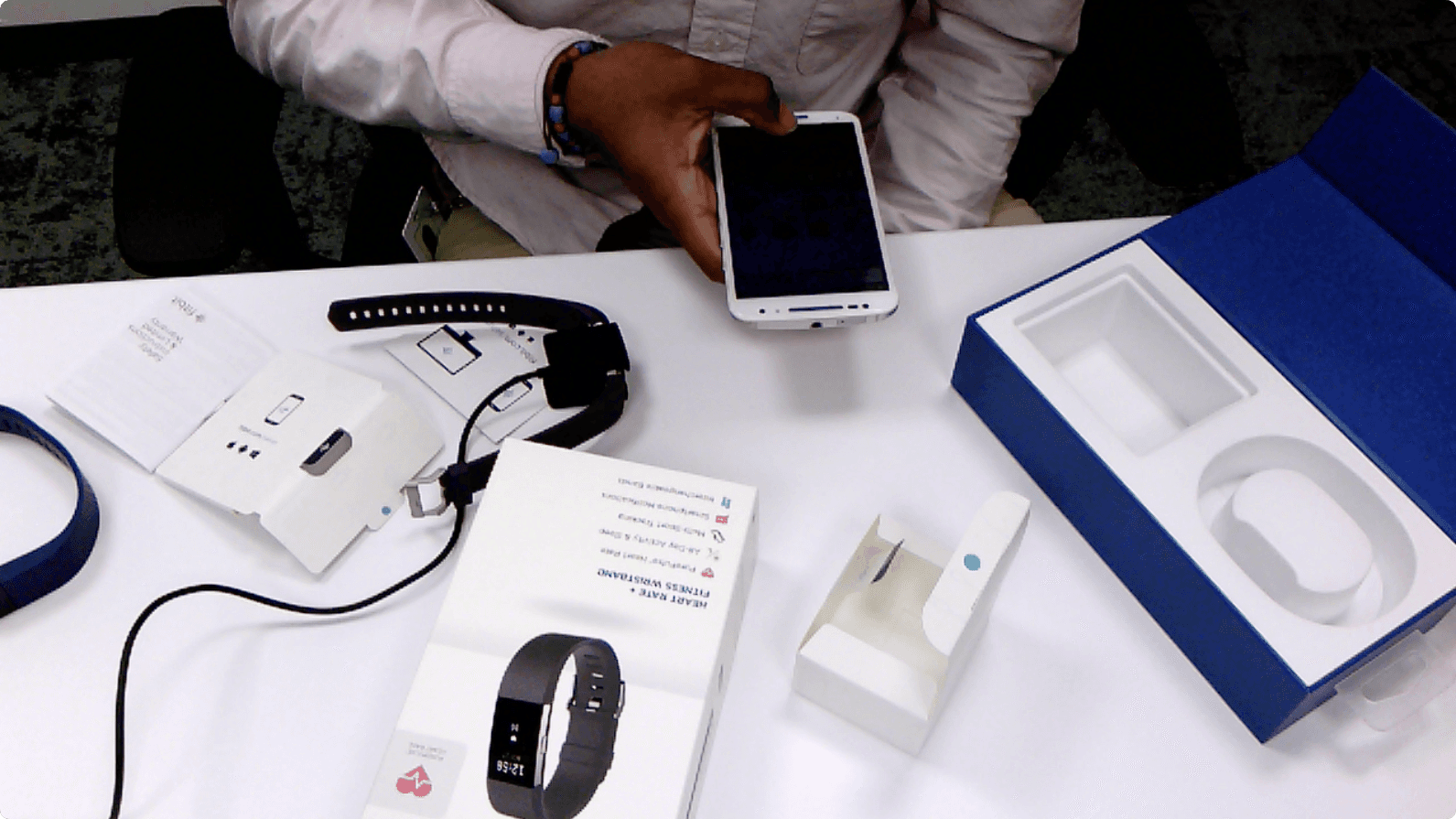
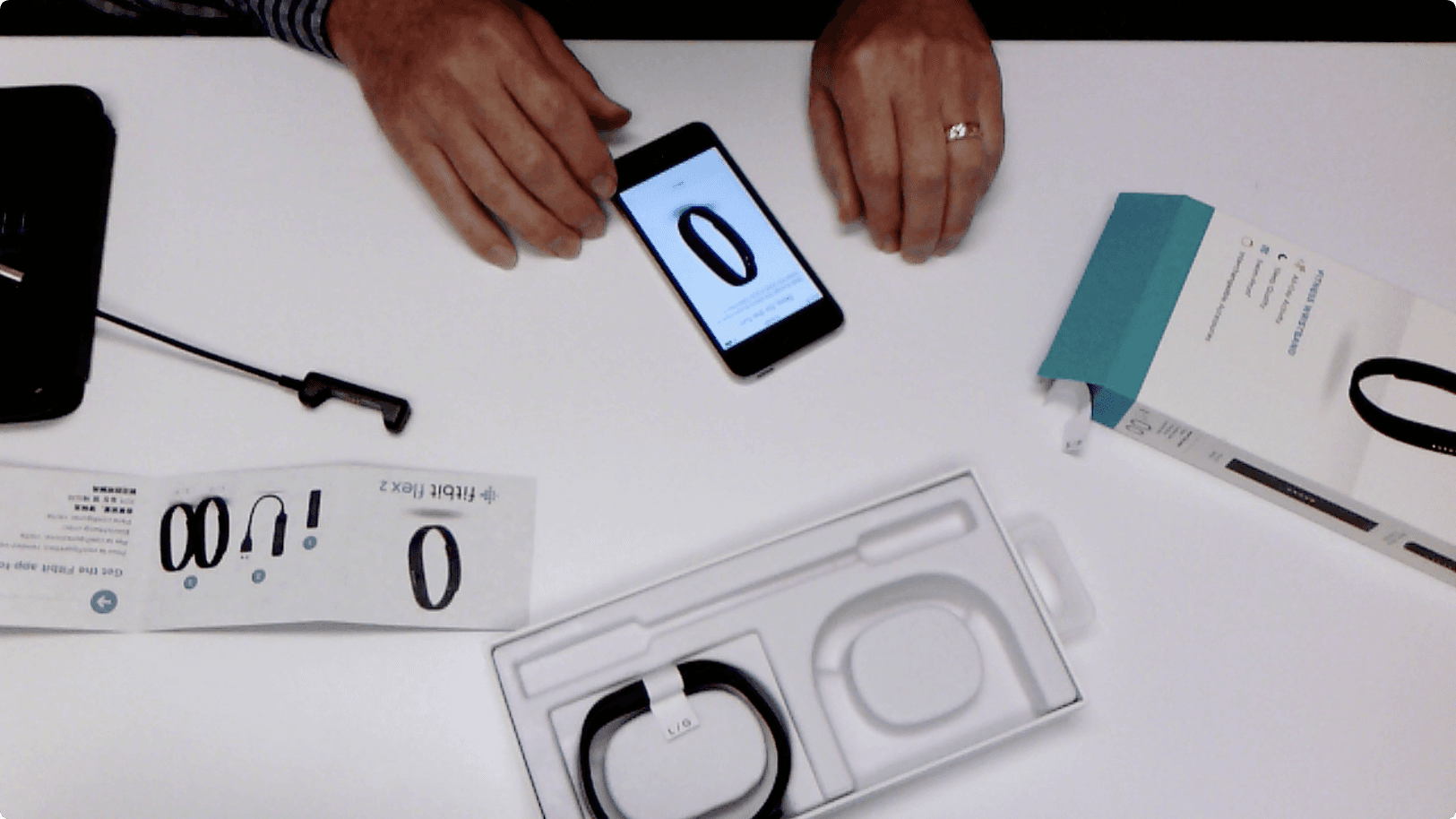
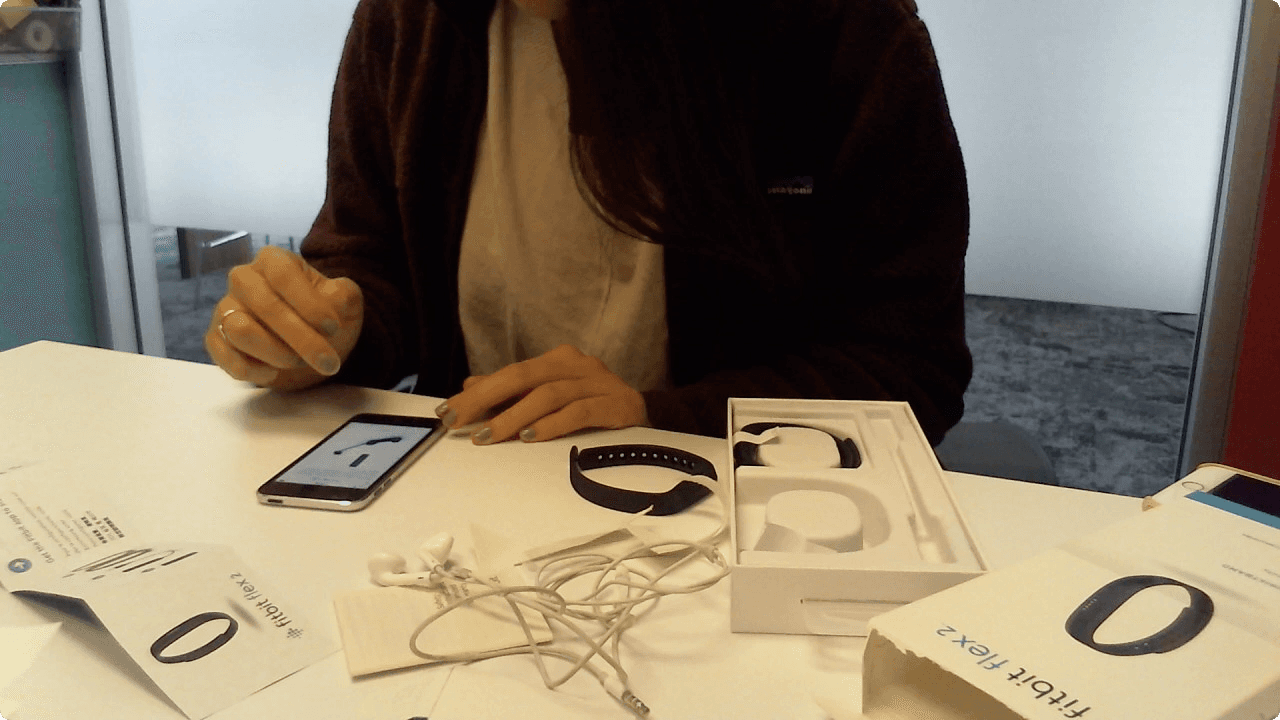
20 studies with randomly selected people interested to get a new Fitbit device. Guidance was to open the box and set up their new Fitbit Device.
Participants went through:
Unboxing -> Account creation -> Device setup -> Firmware update -> Device education -> Fitbit features education
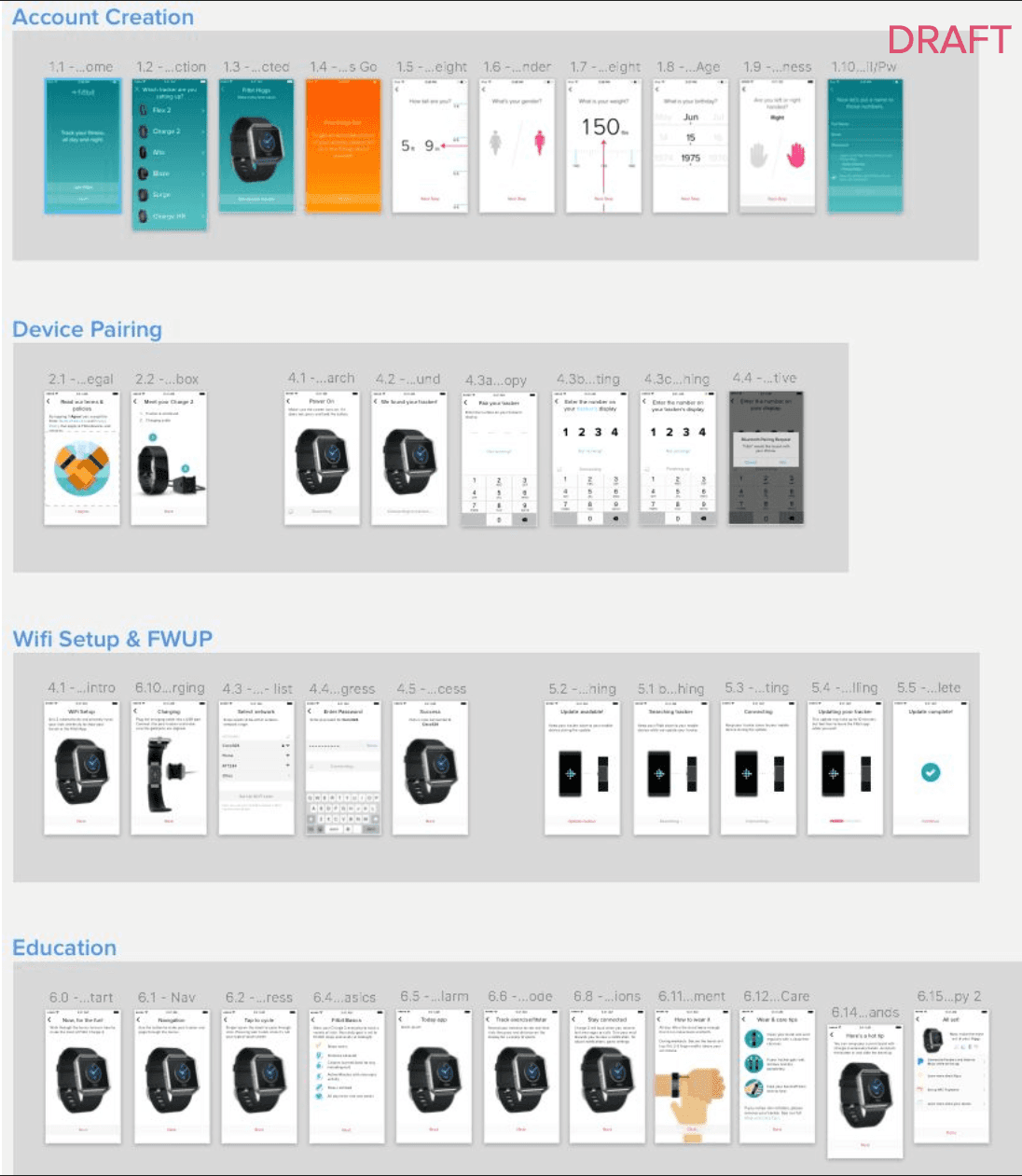
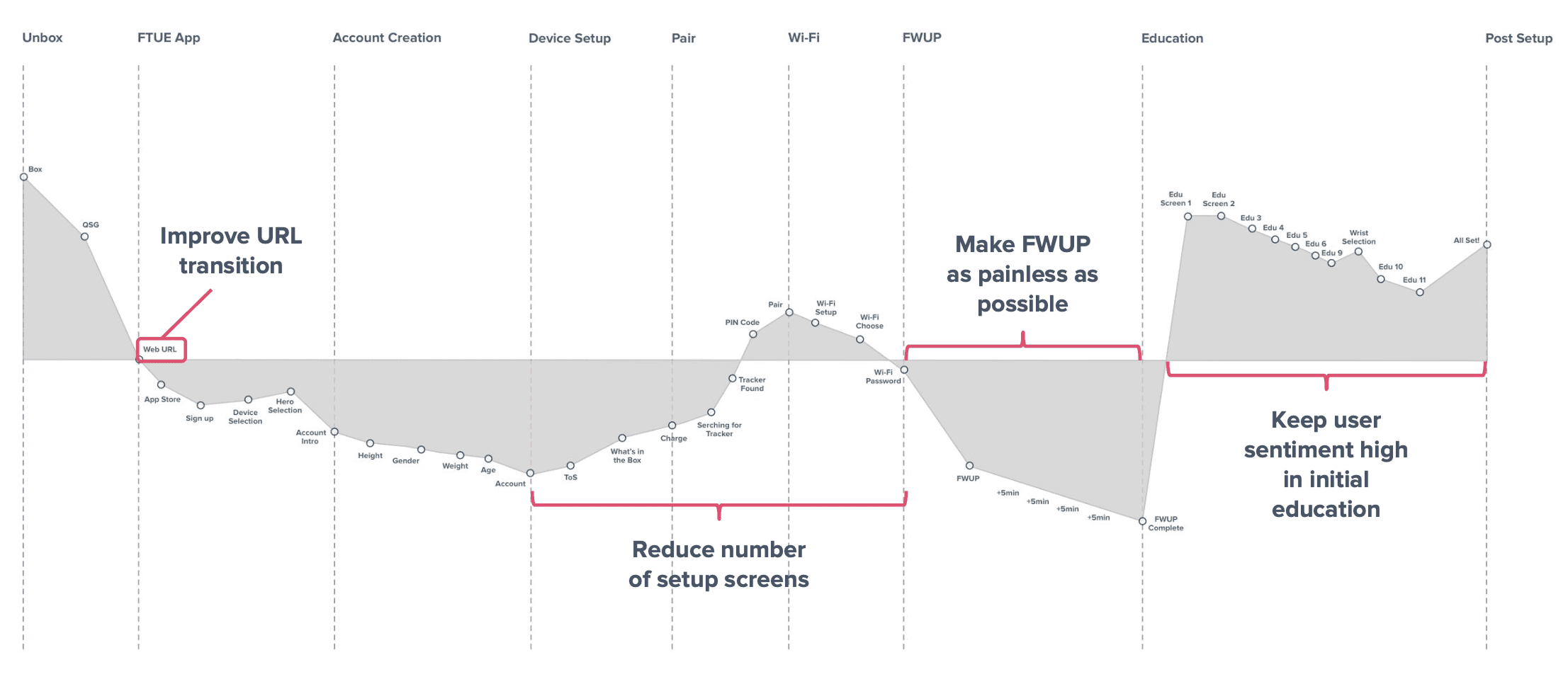
I mapped out users sentiment as they went through Unboxing, Account creation, Device Setup, Firmware update, Device Education, and Fitbit features Education.
Positive: Interacting with the new device out of the box, learning about the device and Fitbit features.
Negative: Switching to phone away from new wearable, creating password, bluetooth pairing issues, and waiting on firmware update.
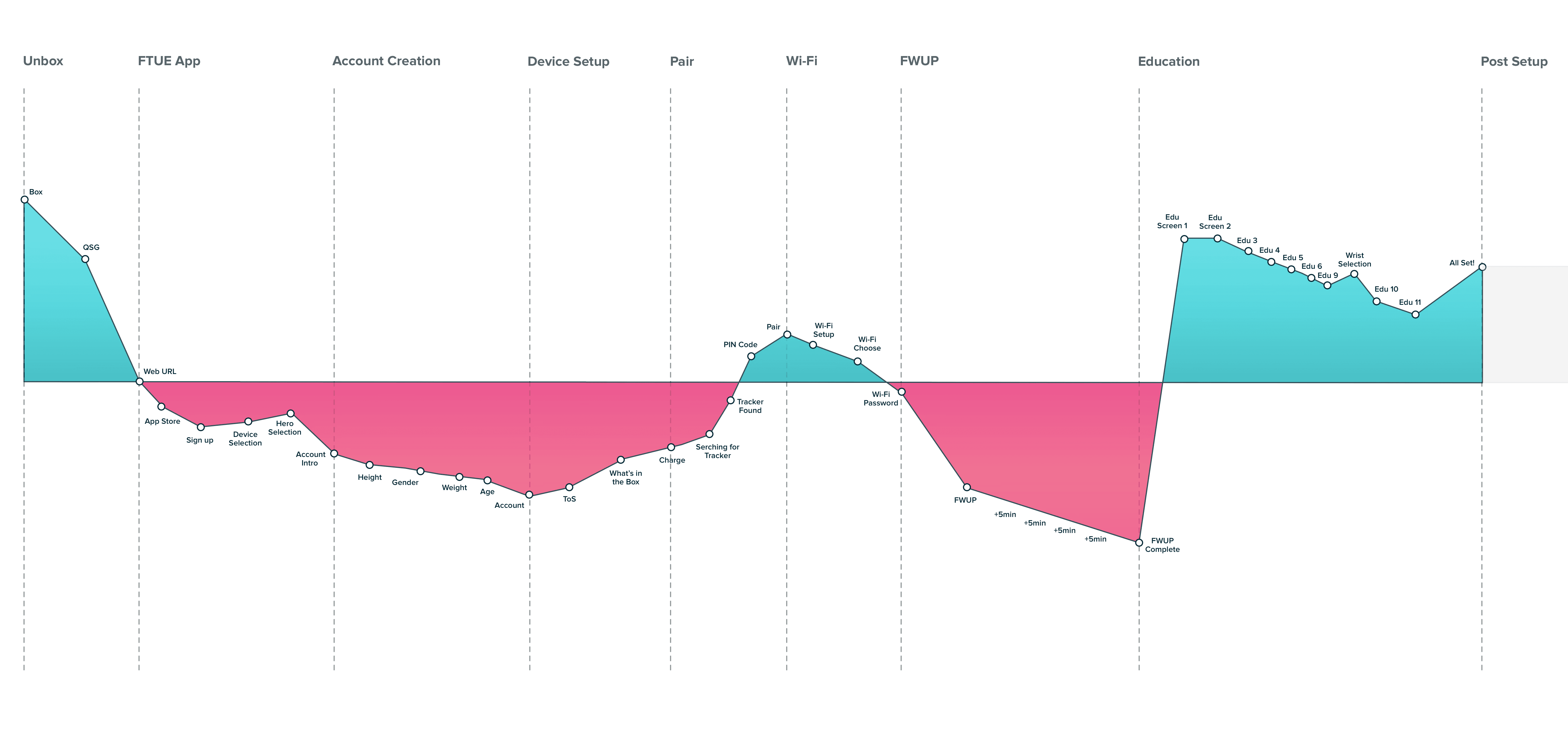
Fitbit users range from professional athletes and individuals with health conditions to casual users tracking daily activity. The onboarding experience applies the same default goals to all users, including a 10,000-step daily target, which can overwhelm beginners.
Participants expected immediate interaction with their new Fitbit device out of the box, but were required to complete multiple account and setup steps first, resulting in onboarding fatigue and reduced engagement.
Participants had difficulty locating where to download the Fitbit app and experienced Bluetooth issues during device pairing and firmware updates. Not enough helpful guidance and directions.
After identifying key onboarding pain points and bottlenecks, I presented the findings to product, engineering, and cross-functional teams. I then facilitated a prioritization workshop to align on critical issues and define onboarding requirements. This enabled me to have a cohesive story to leadership on what the onboarding issues are and how to fix them.
The goal was to include all teams and ensure each perspective was represented. This helped us understand why specific features or settings were considered essential for onboarding, enabling clearer comparison and prioritization.
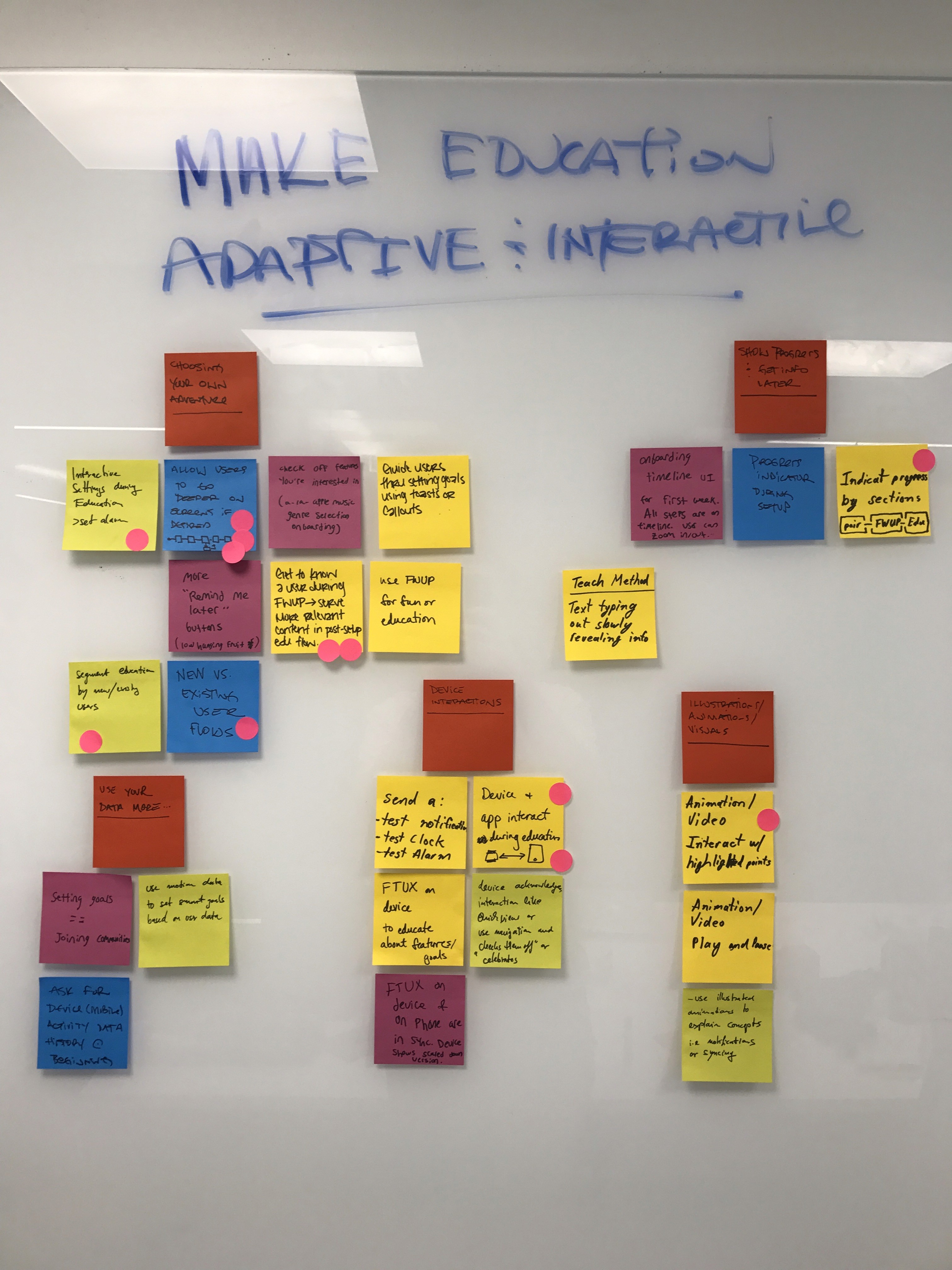
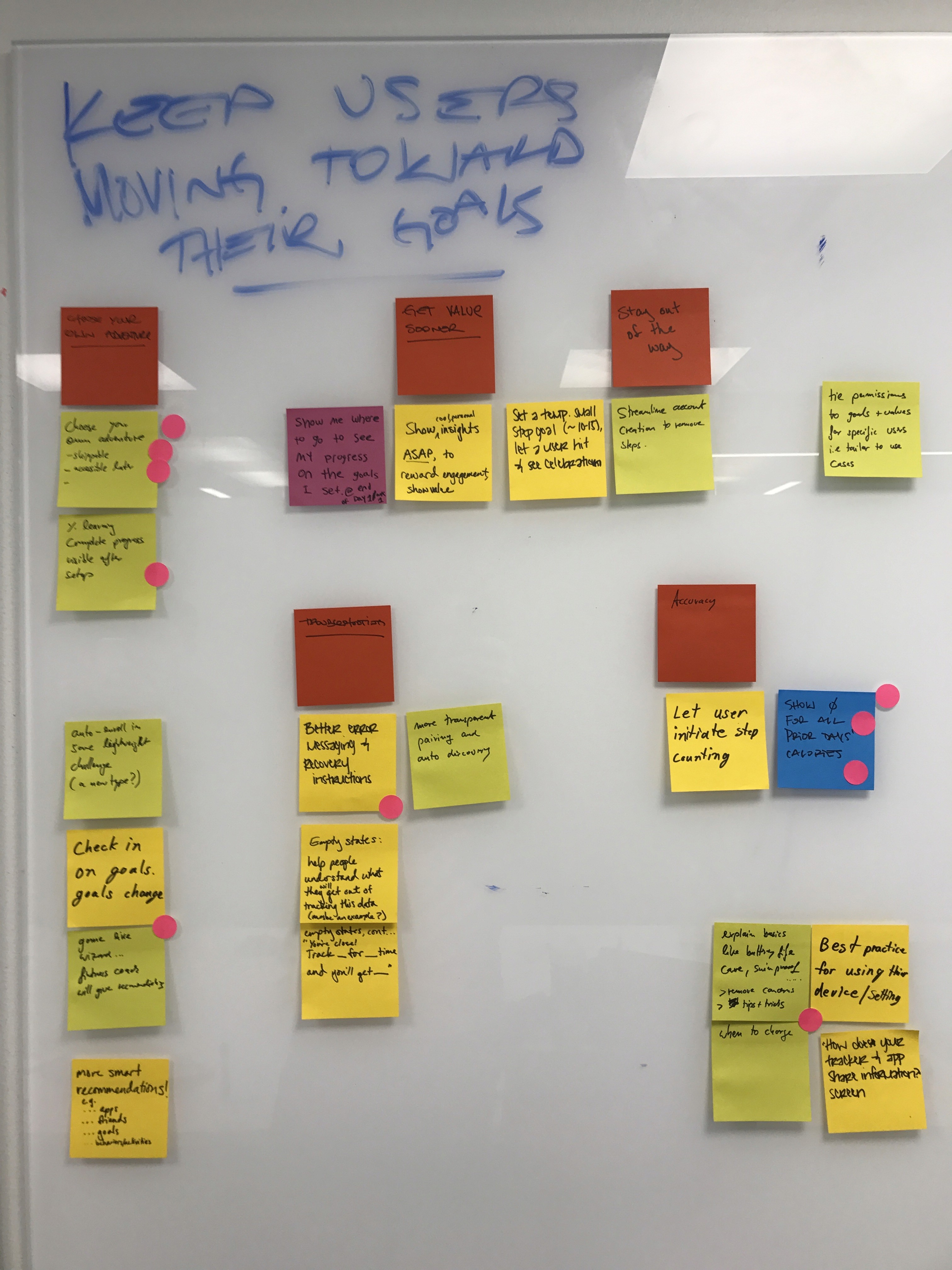
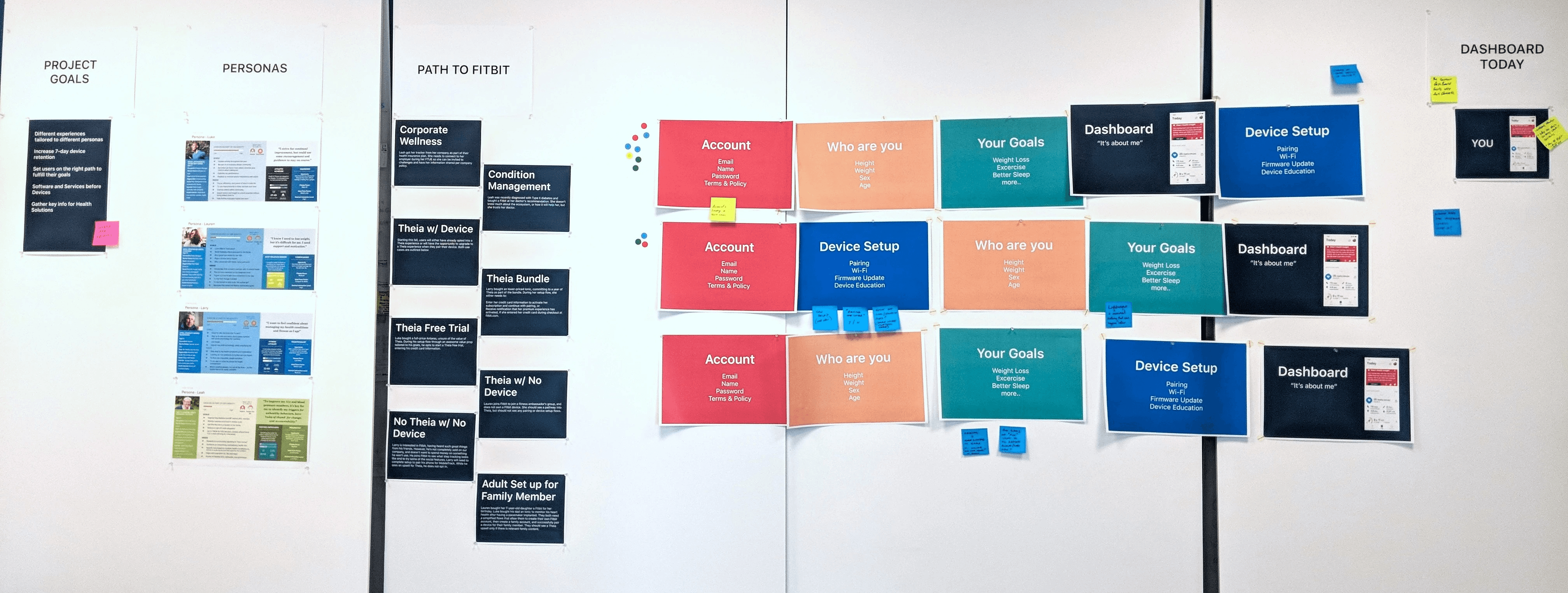
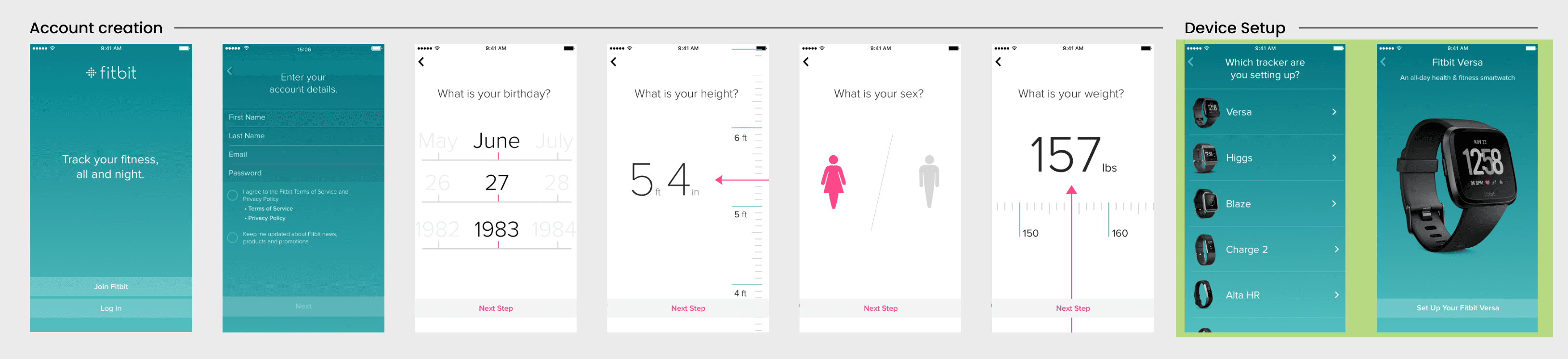
The current device setup flow moves users between account creation, personal info input, and device-related screens. The goal is to restructure the flow to reduce disorientation and provide a clearer, more intuitive progression.
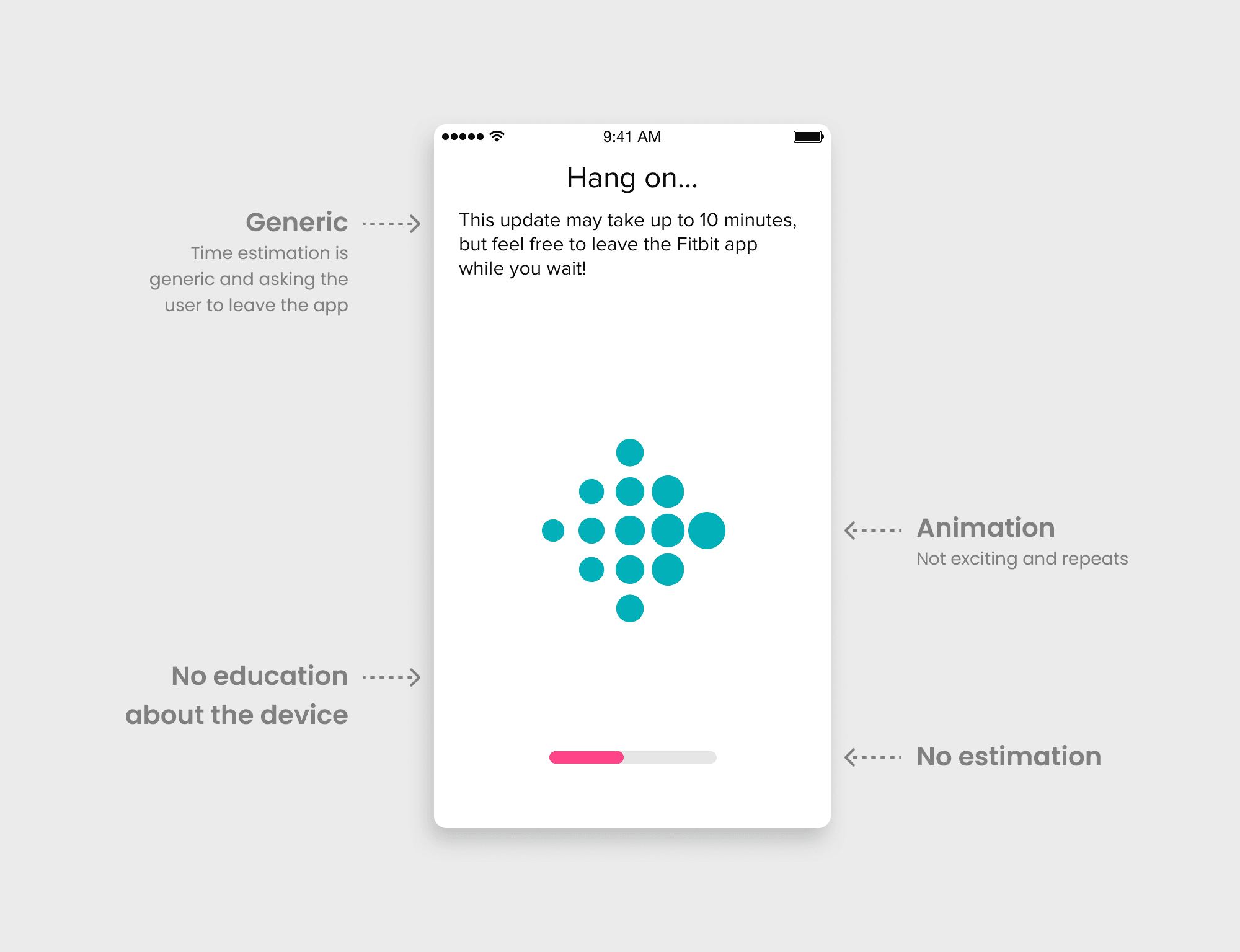
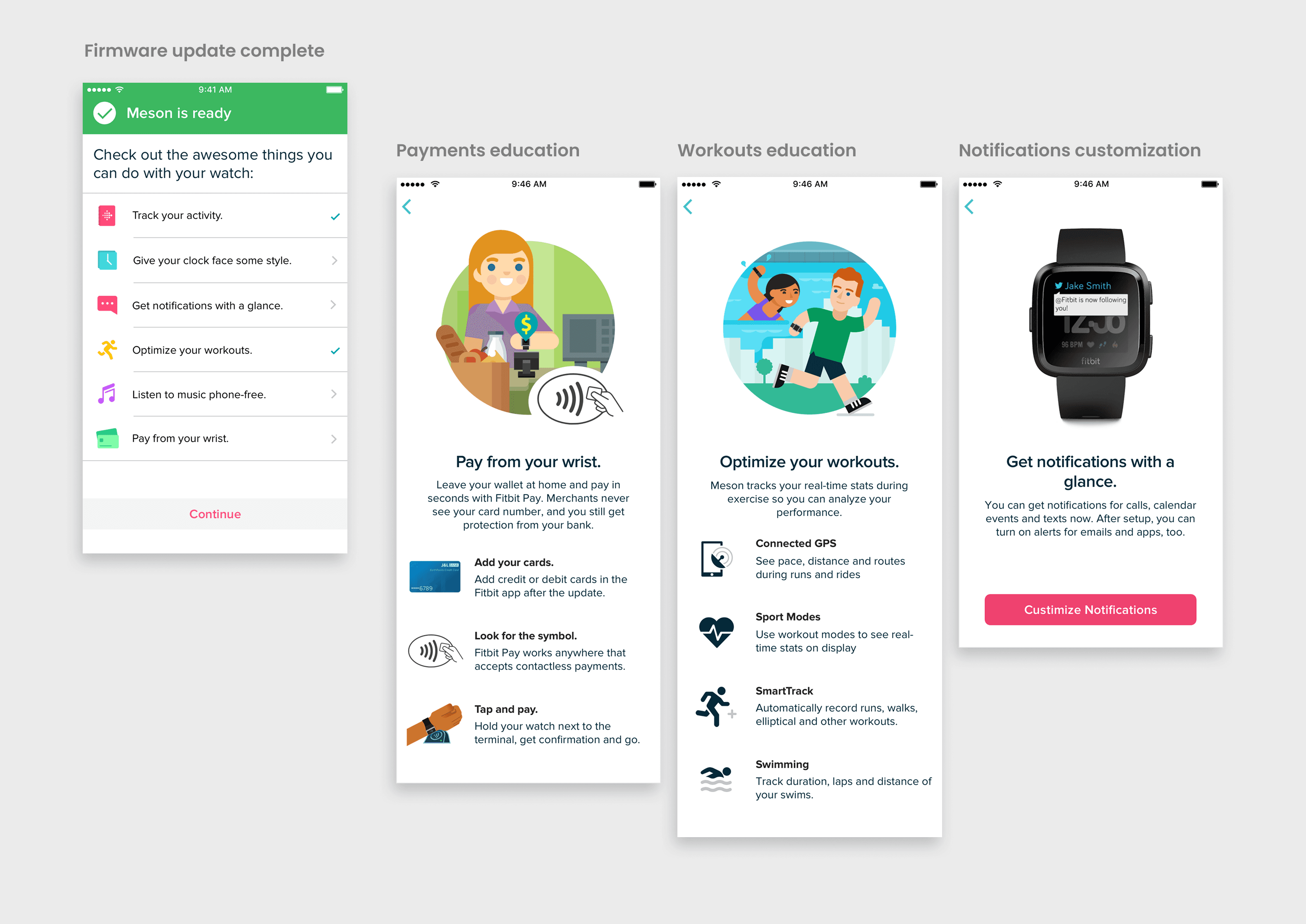
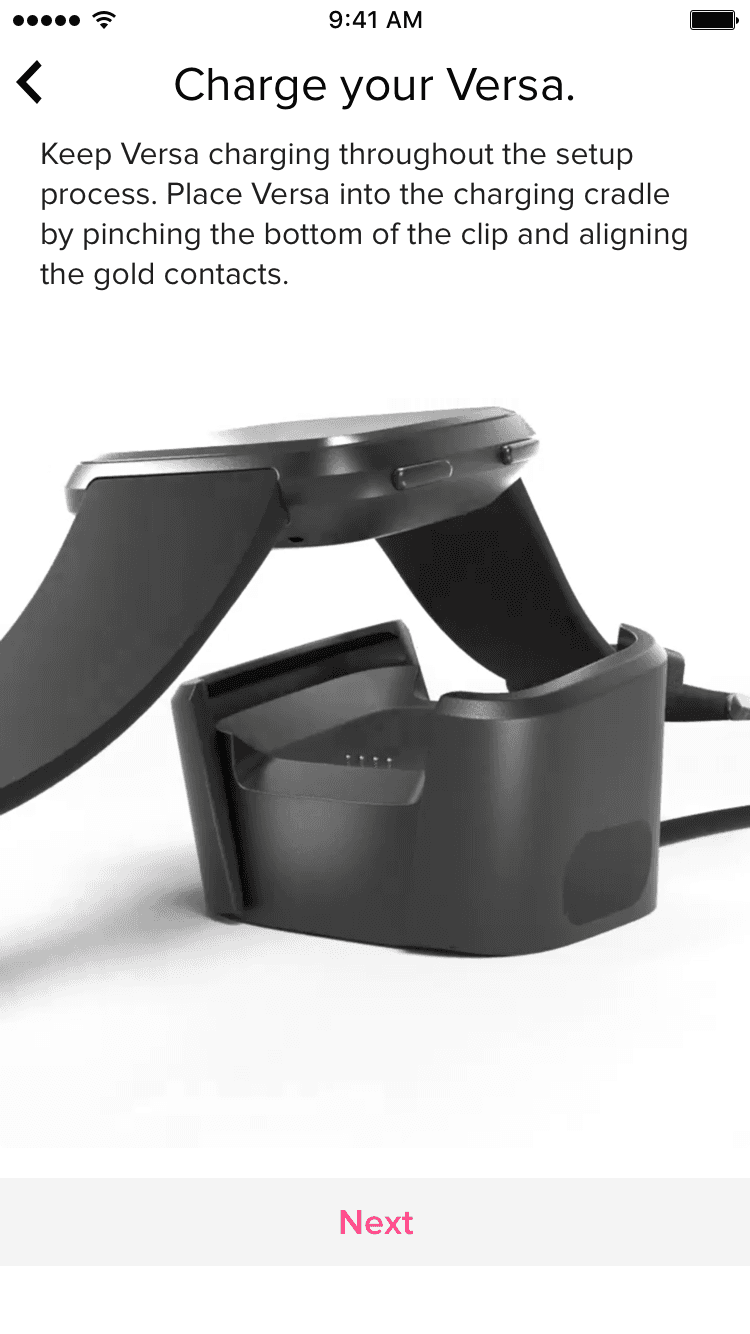
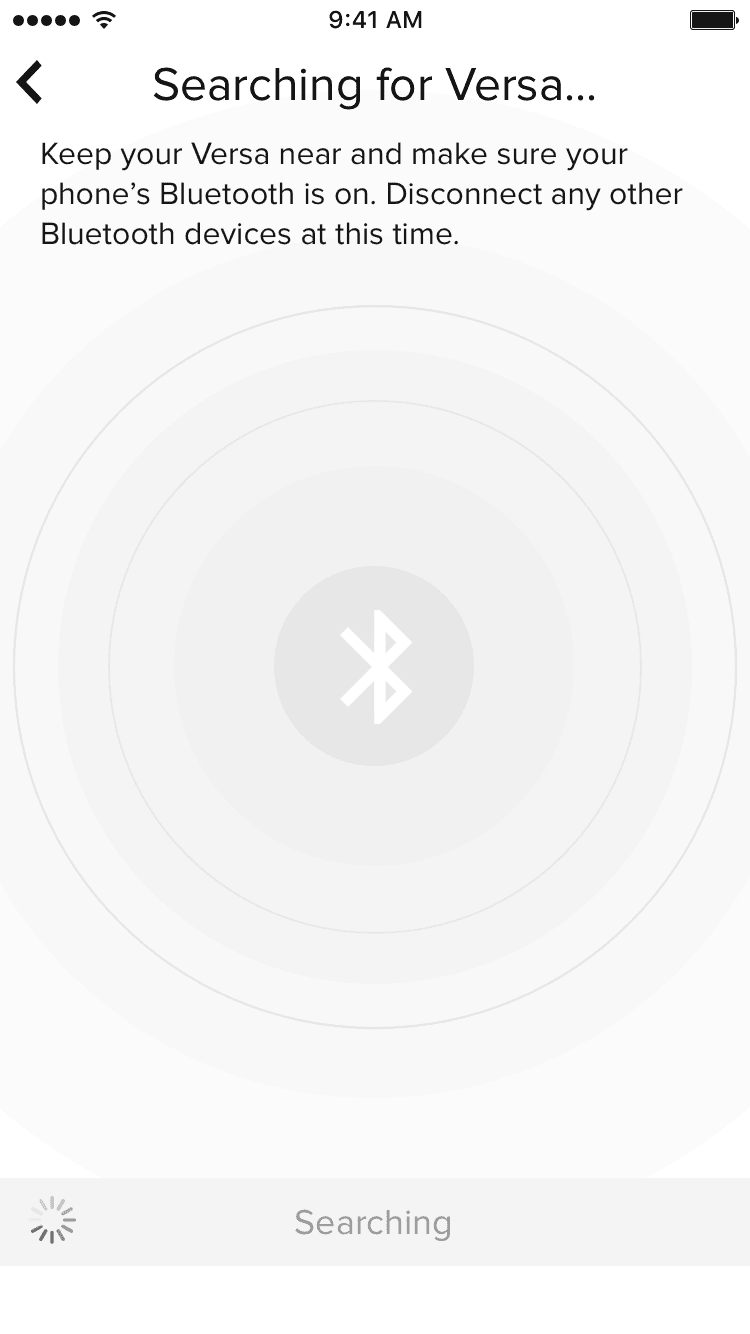
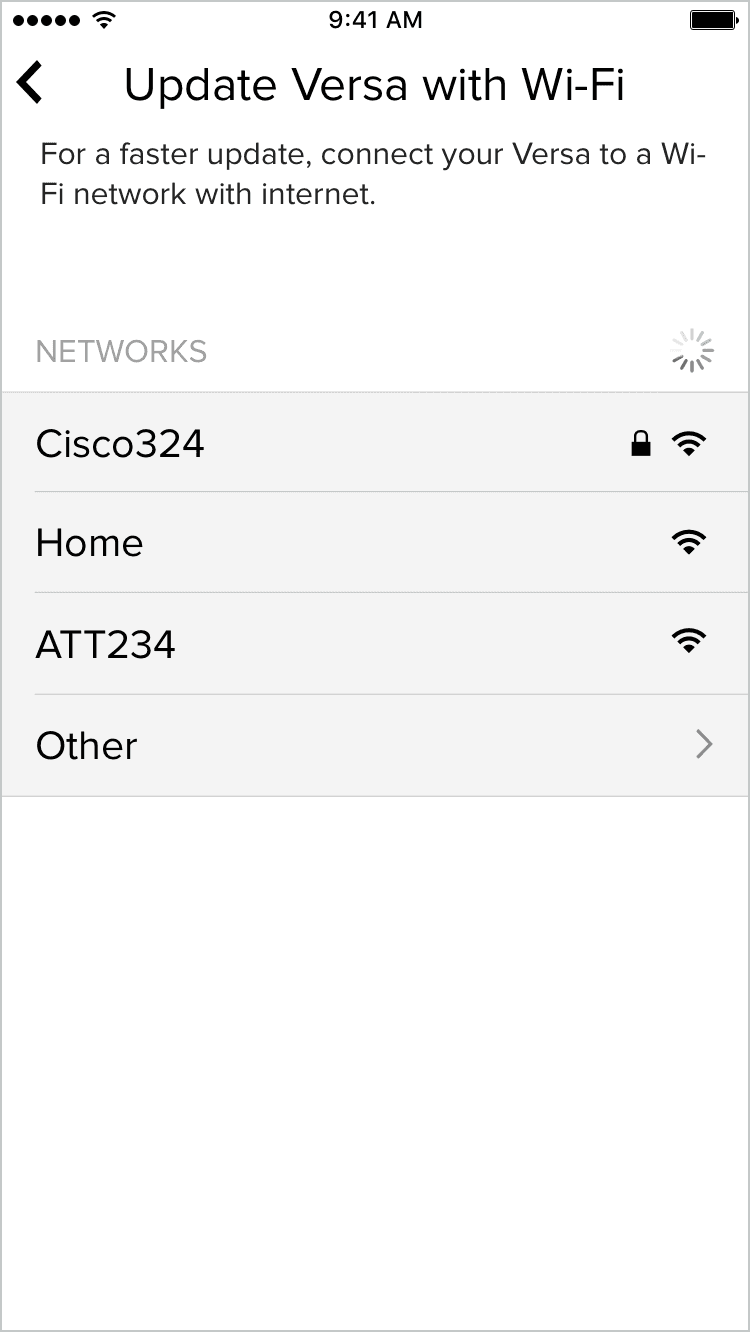
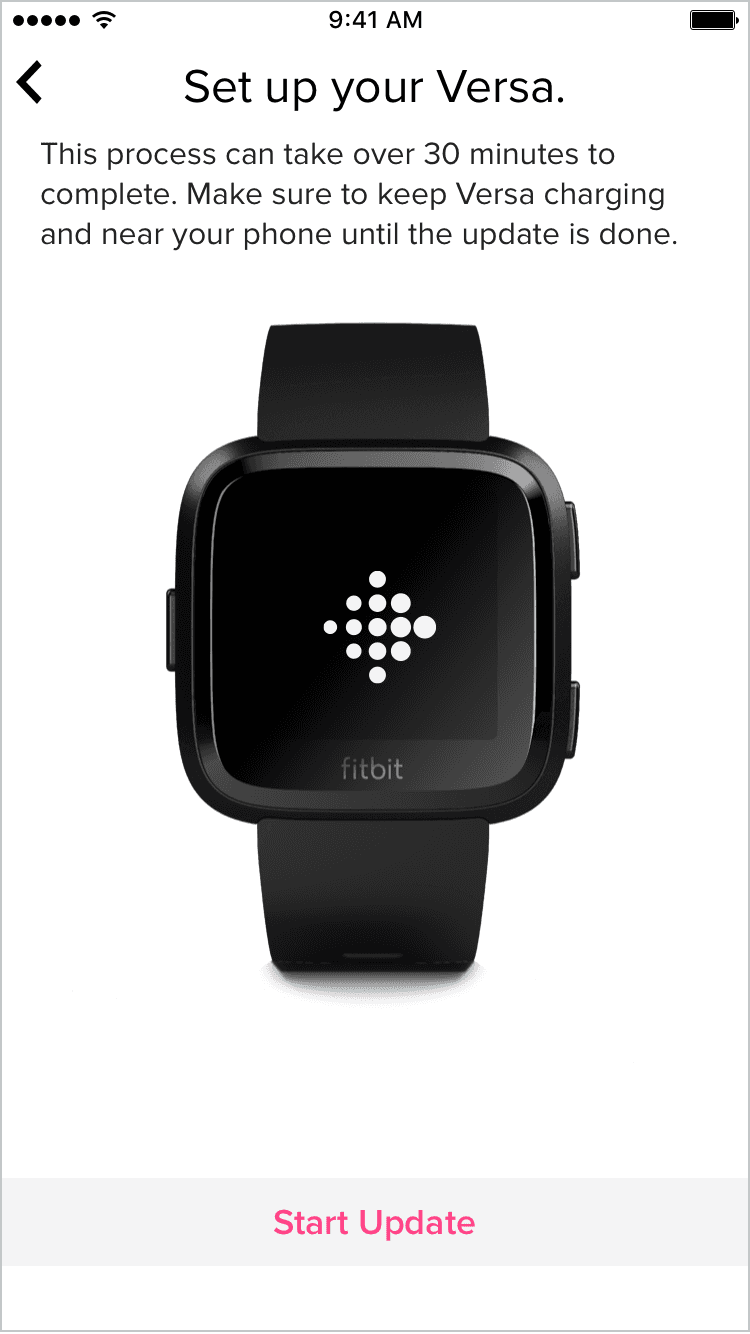
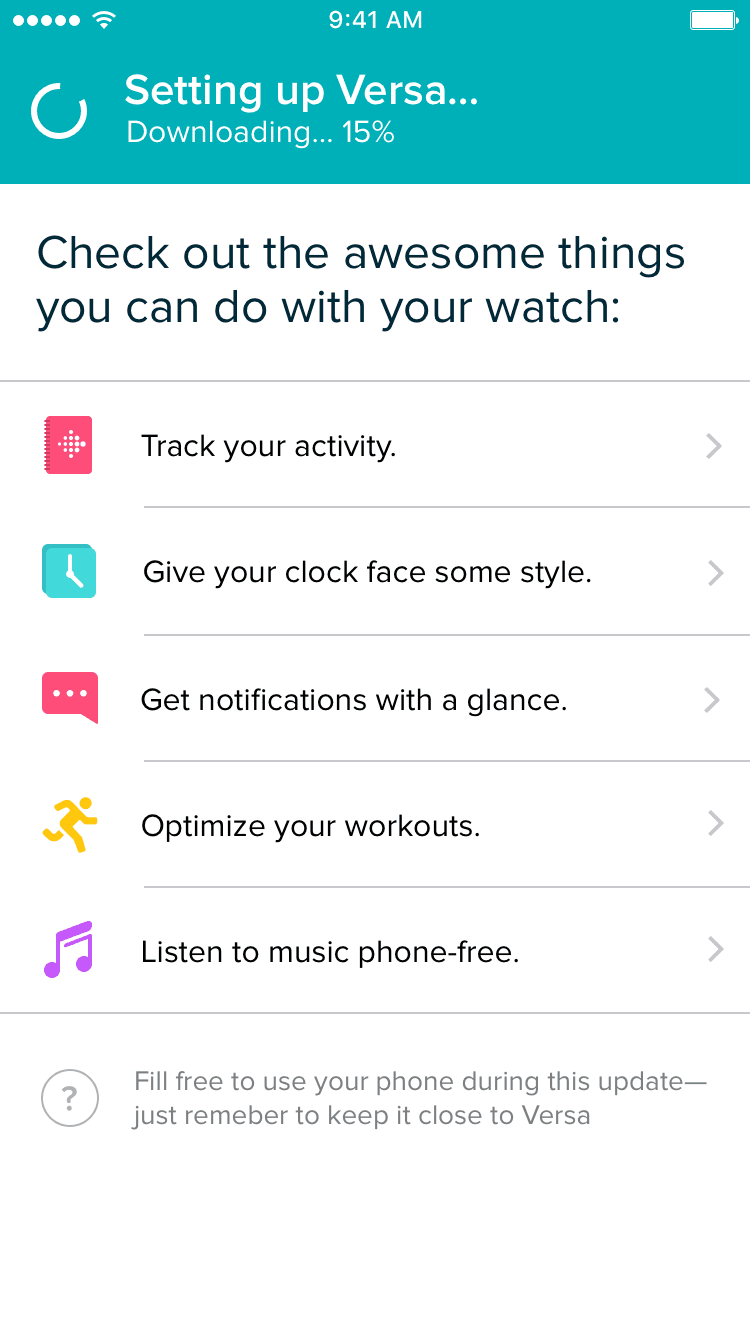
Users connecting their Fitbit device and waiting for their first firmware update has a lot of friction. Goal was to improve instructions and make use of the firmware update time to educate them about the device.
Onboarding is filled with education. After working with the feature teams, we came up with a plan to get signals from onboarding to set up a 1 day, 7 day, 30 day progressive onboarding. A unified system that tracks their progress.
I collaborated with cross-functional teams and research to conduct user research, brainstorming sessions, and design reviews. The concepts were iteratively tested with users to validate usability, uncover insights, and inform the final design direction.
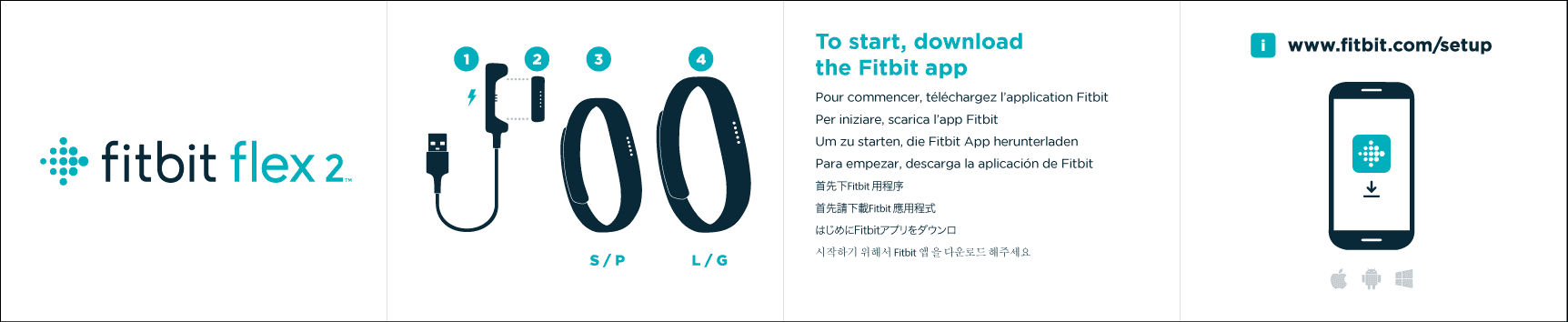
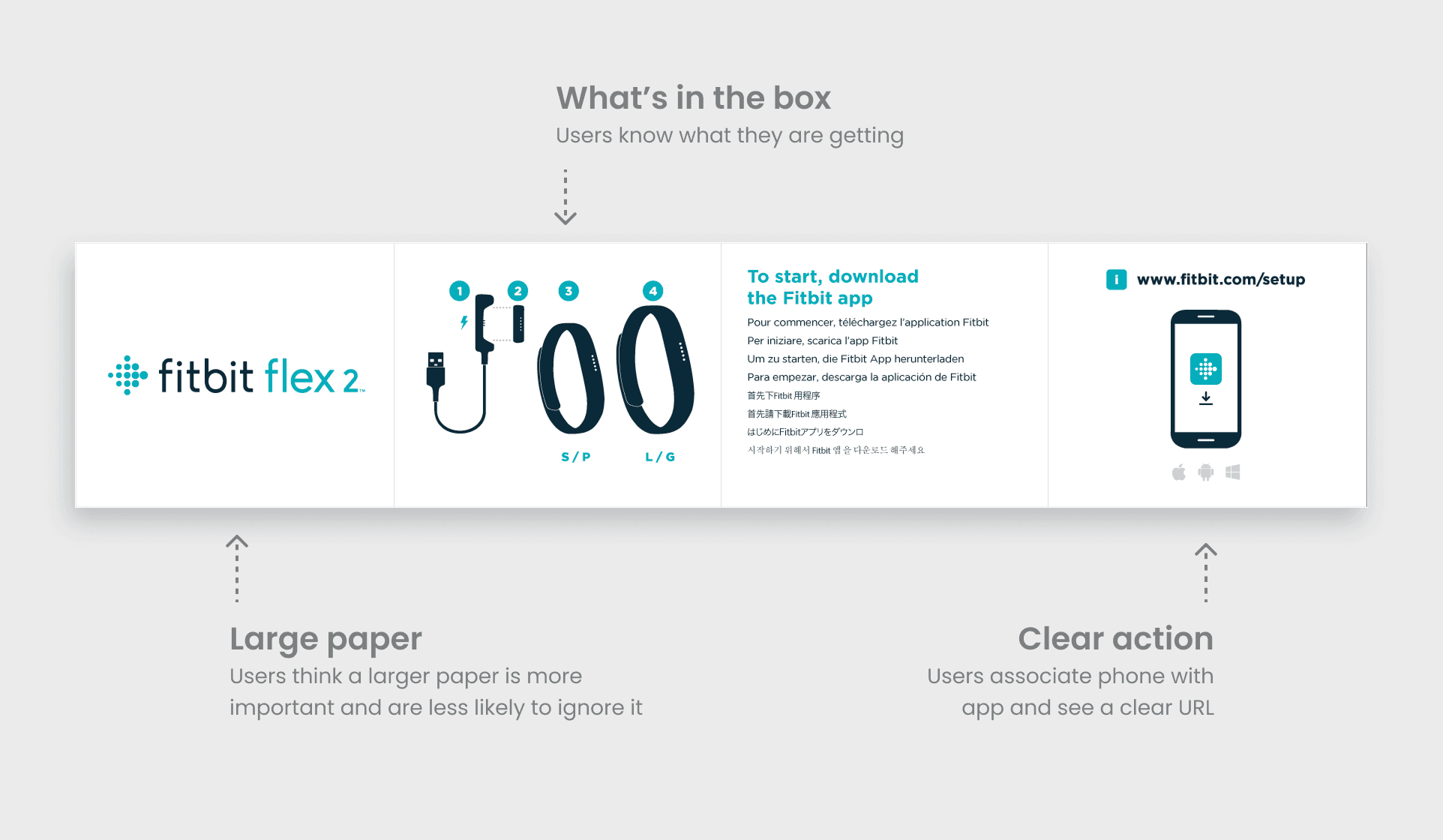
Users struggled to download the app and were unprepared for the firmware update. I partnered with marketing to redesign the Quick Start Guide, testing multiple versions to improve usability. We prioritized discoverability, clear in-box contents, and a prominent call-to-action for downloading the Fitbit app.
User study
Original Quick Start Guide was a two sided piece of paper. In testing, participants would set aside after opening the packing missing the important instructions where to download the Fitbit app. I explored and tested ways we could highlight the URL.
Control (original)
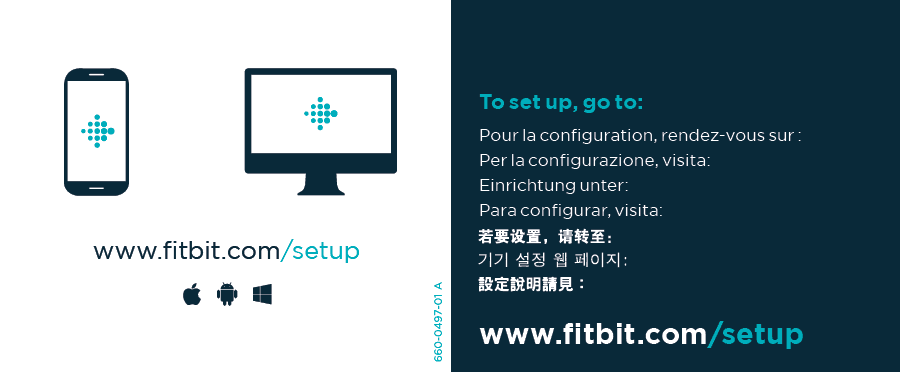
Tested 2 versions against the control
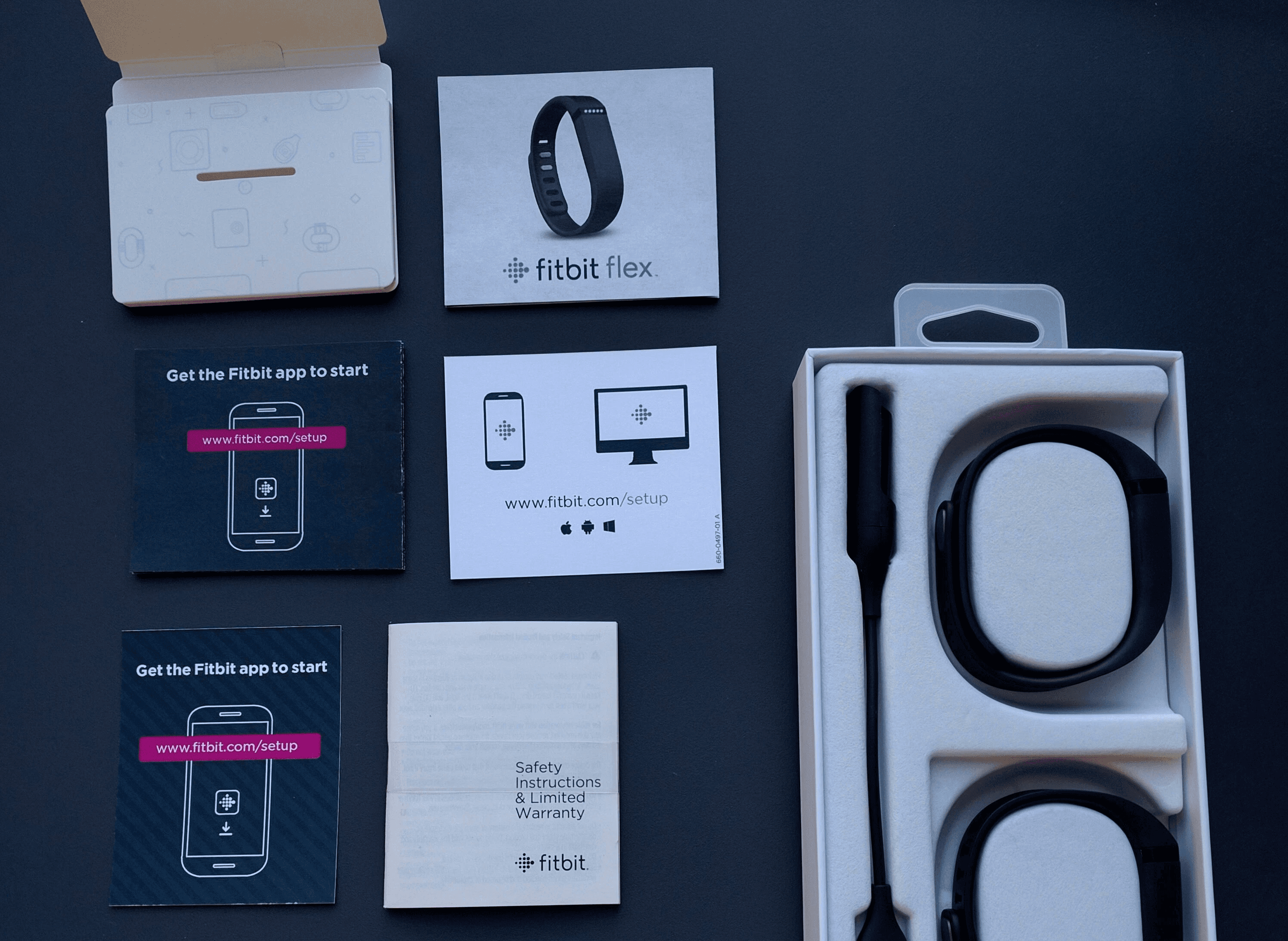
Version 1 - Large 4 panel
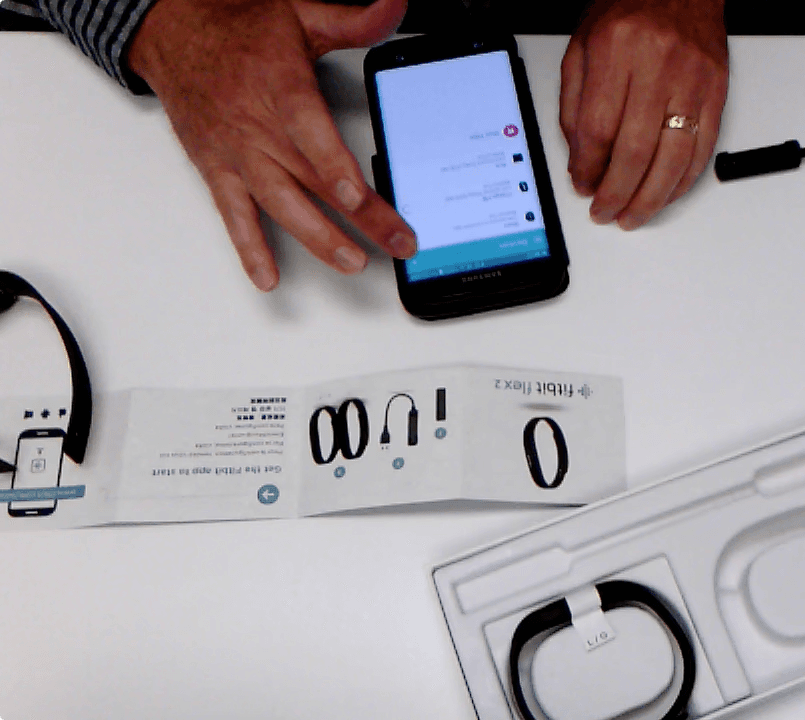
Version 2 - 2 panel high contrast URL
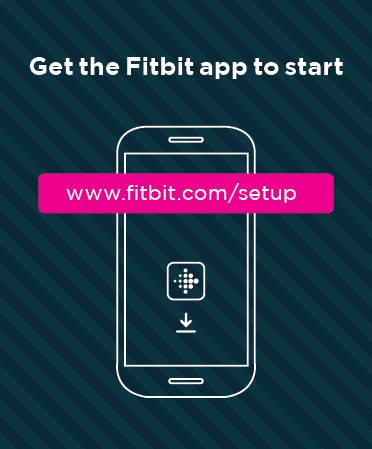
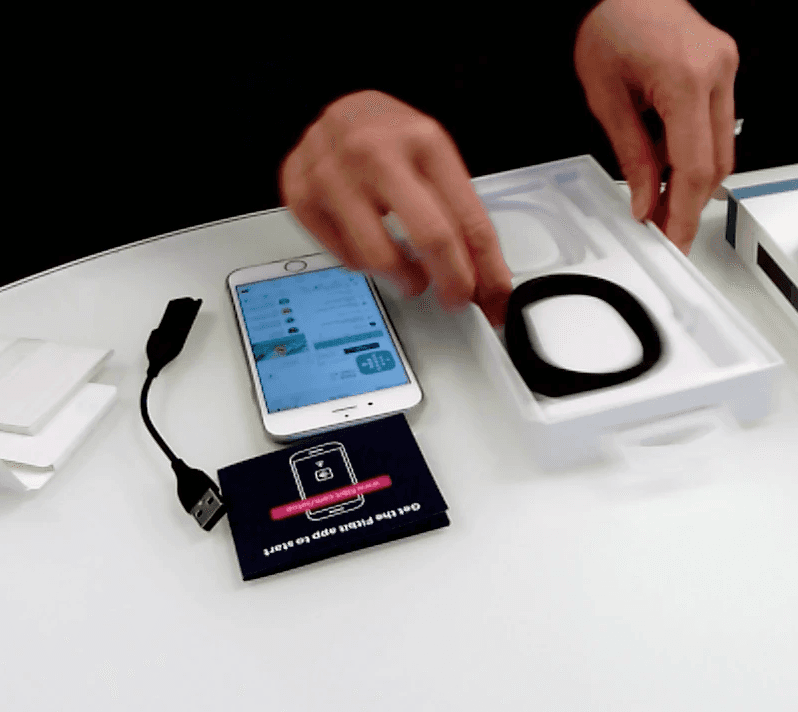
Control (original)
75% of participants would discard the Quick Start Guide or not see it. Some did not know to use their phone to go to the URL.
Version 1
90% of Participants found the Quick Start Guide and used their phone when going to the URL. The 4 panel design made the paper feel more important and made it easy to consume the information.
Version 2
60% of participants found the Quick Start Guide and used their phone but 40% of the participants did not notice the Quick Start Guide.
Final design
Users connecting their Fitbit devices and waiting for their first firmware update had low sentiment and long wait times.
Original firmware update screen
Explorations
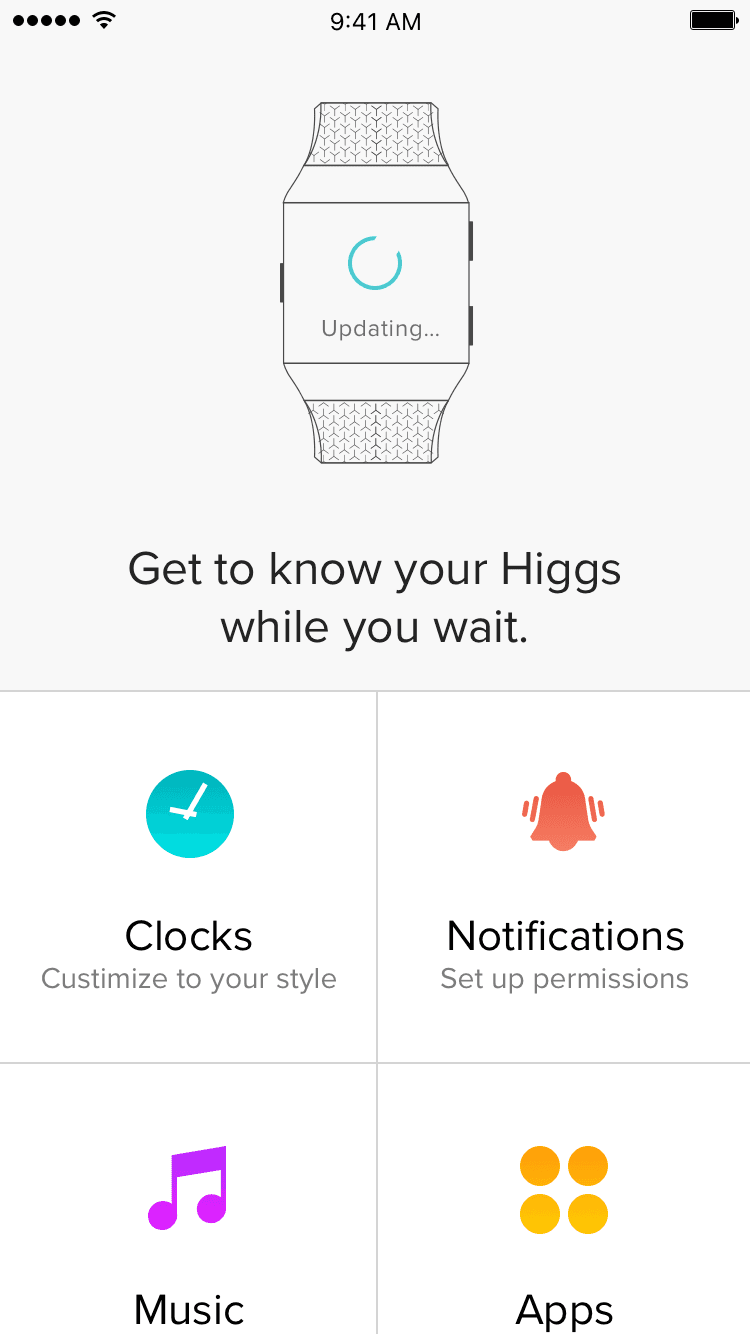
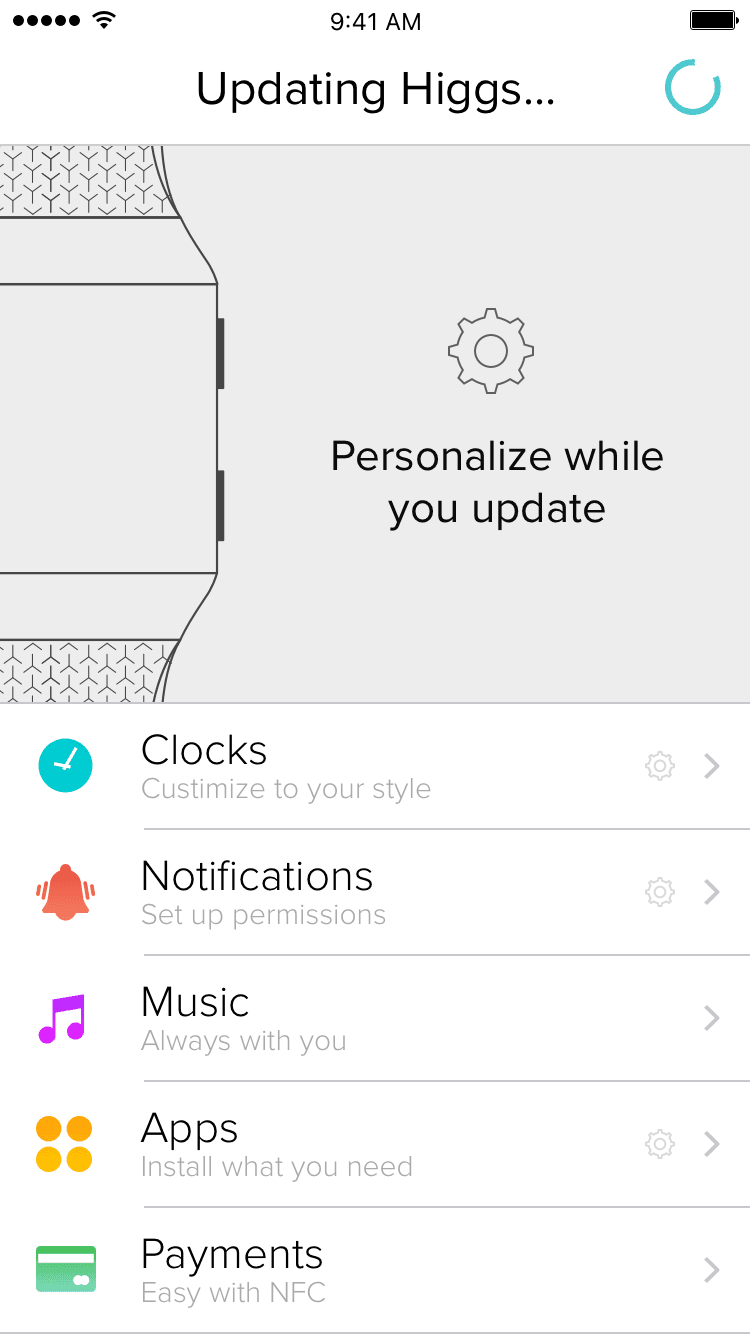
Using the firmware update time to let the user explore features
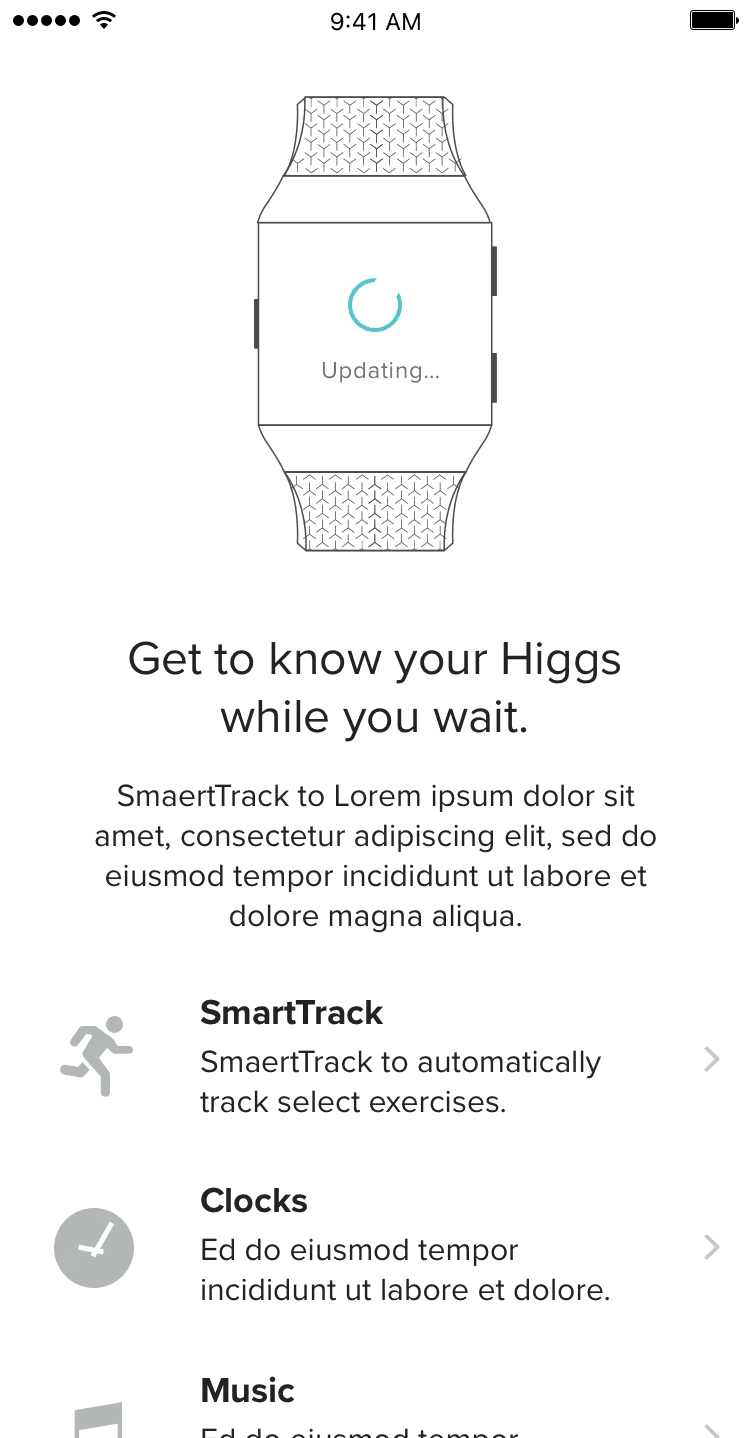
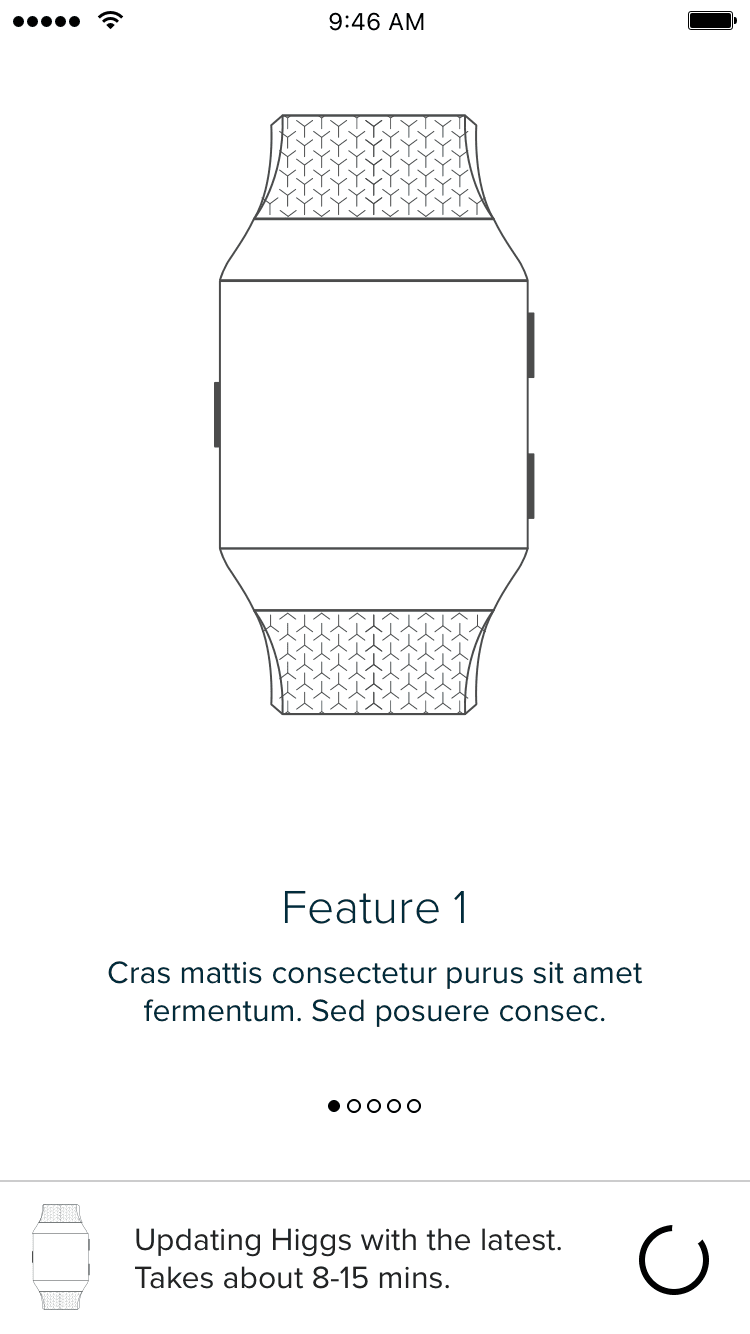
Exploring how users can personalize and queue up setting while their device is getting updated.
Final designs (need updated mock with time and payment)
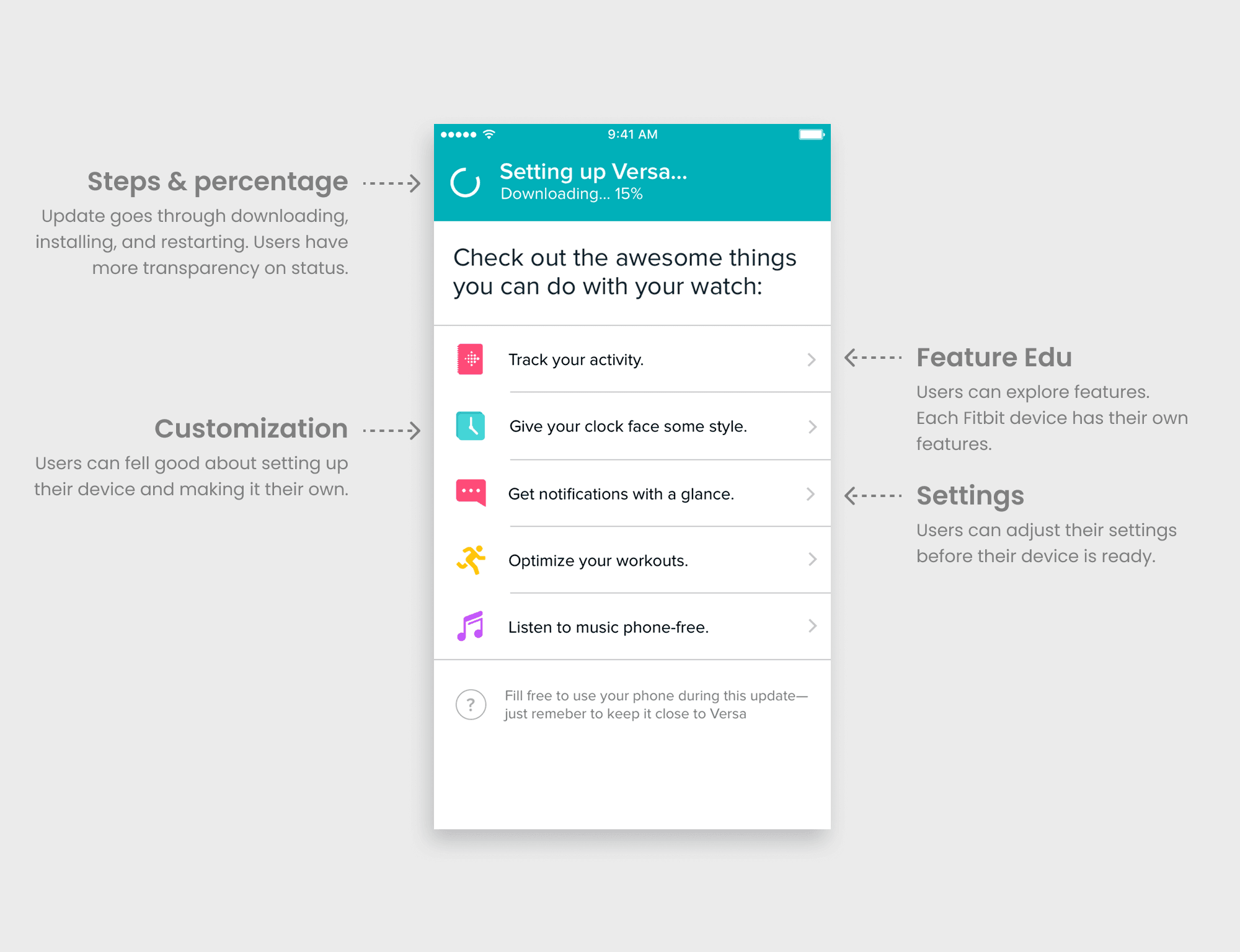
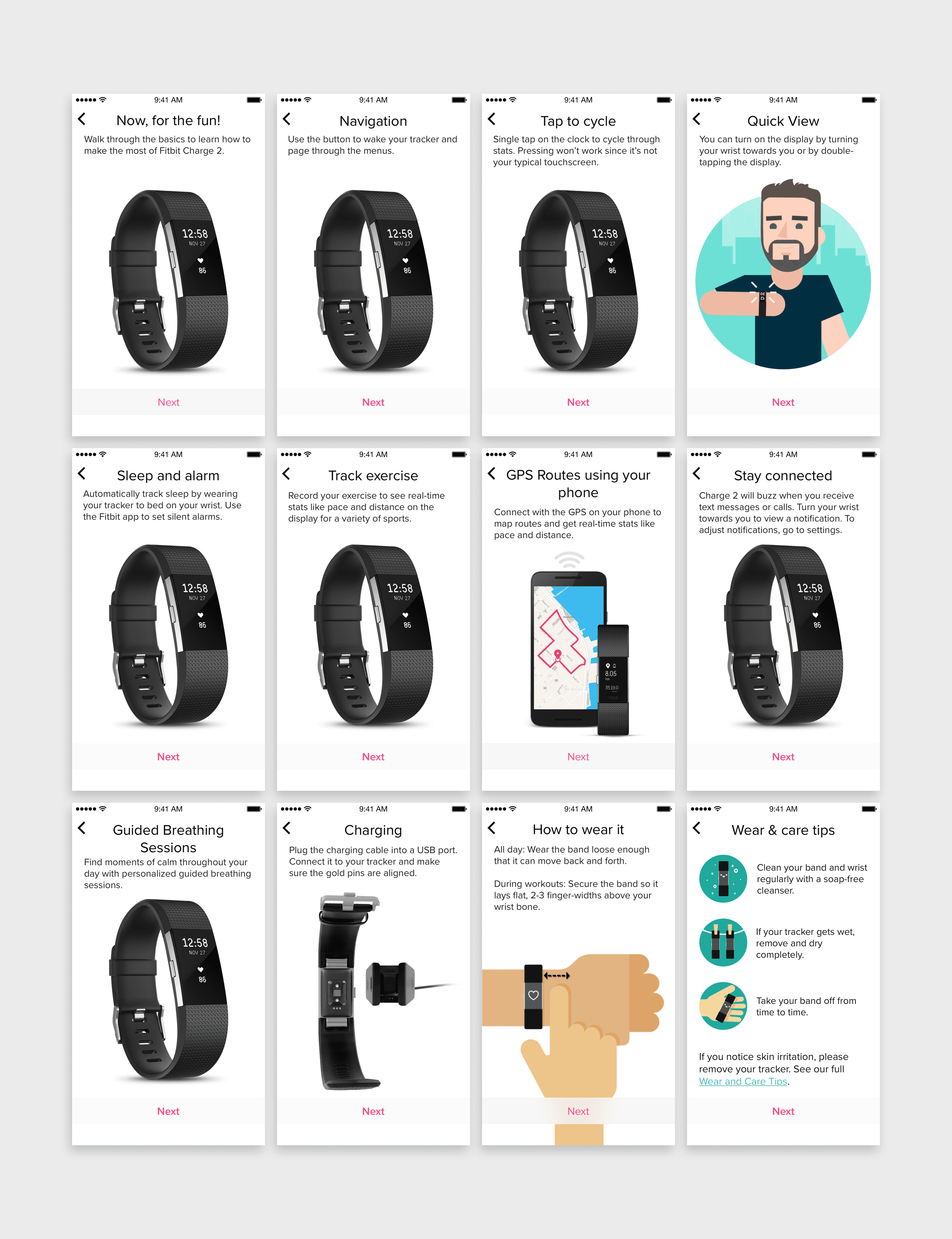
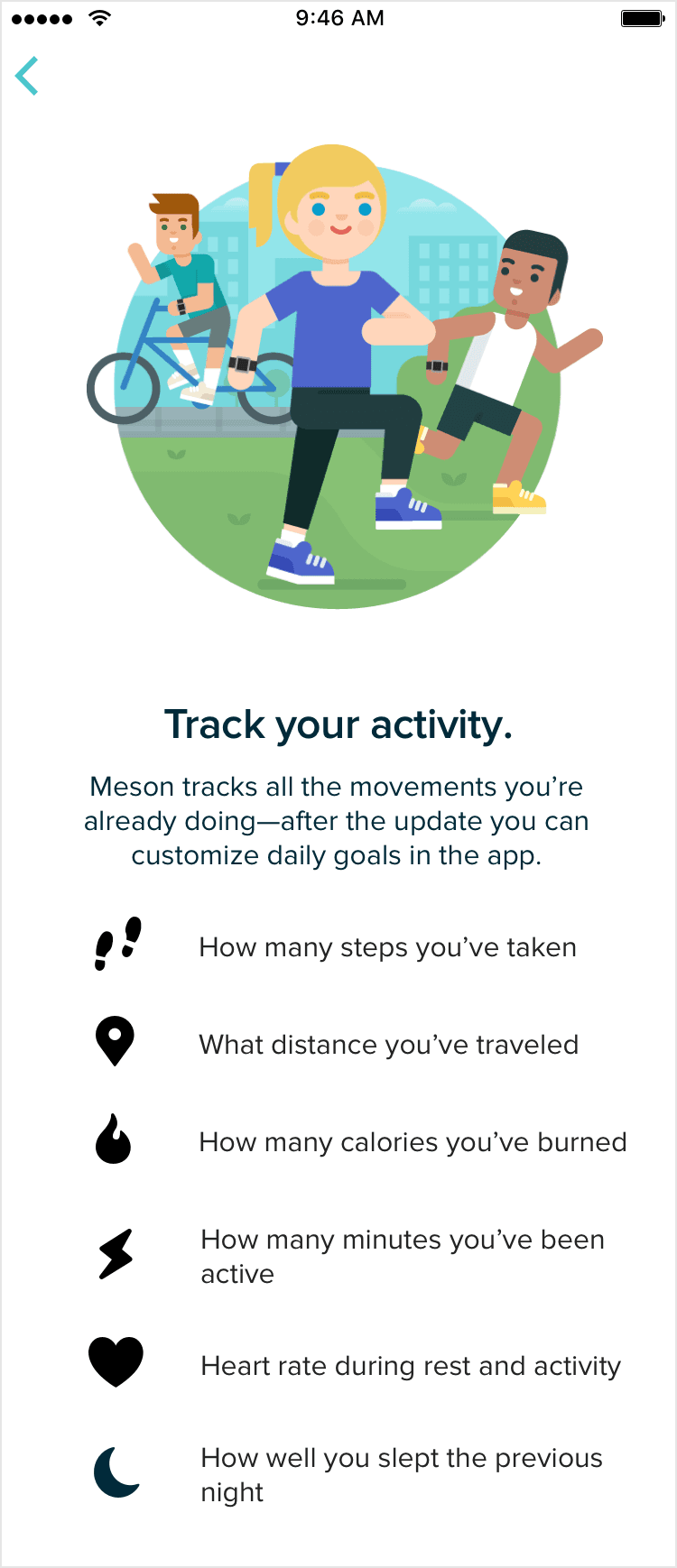
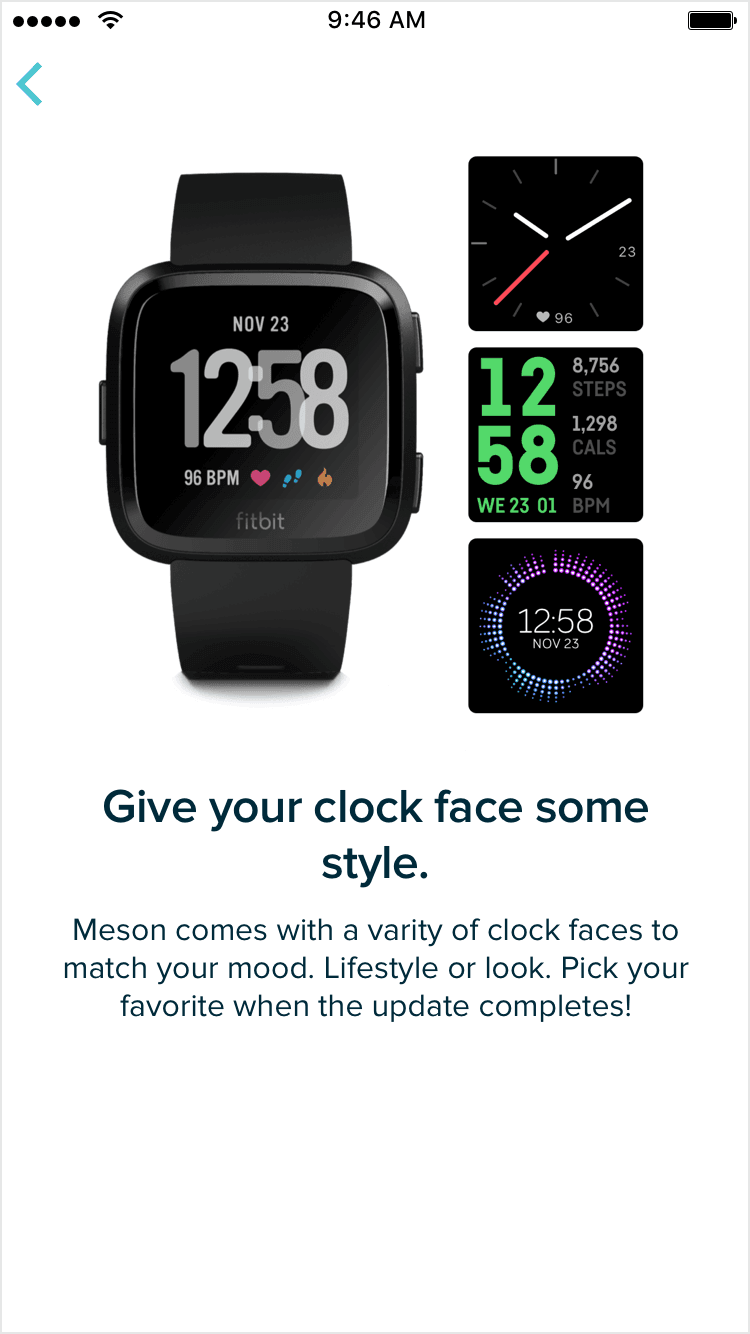
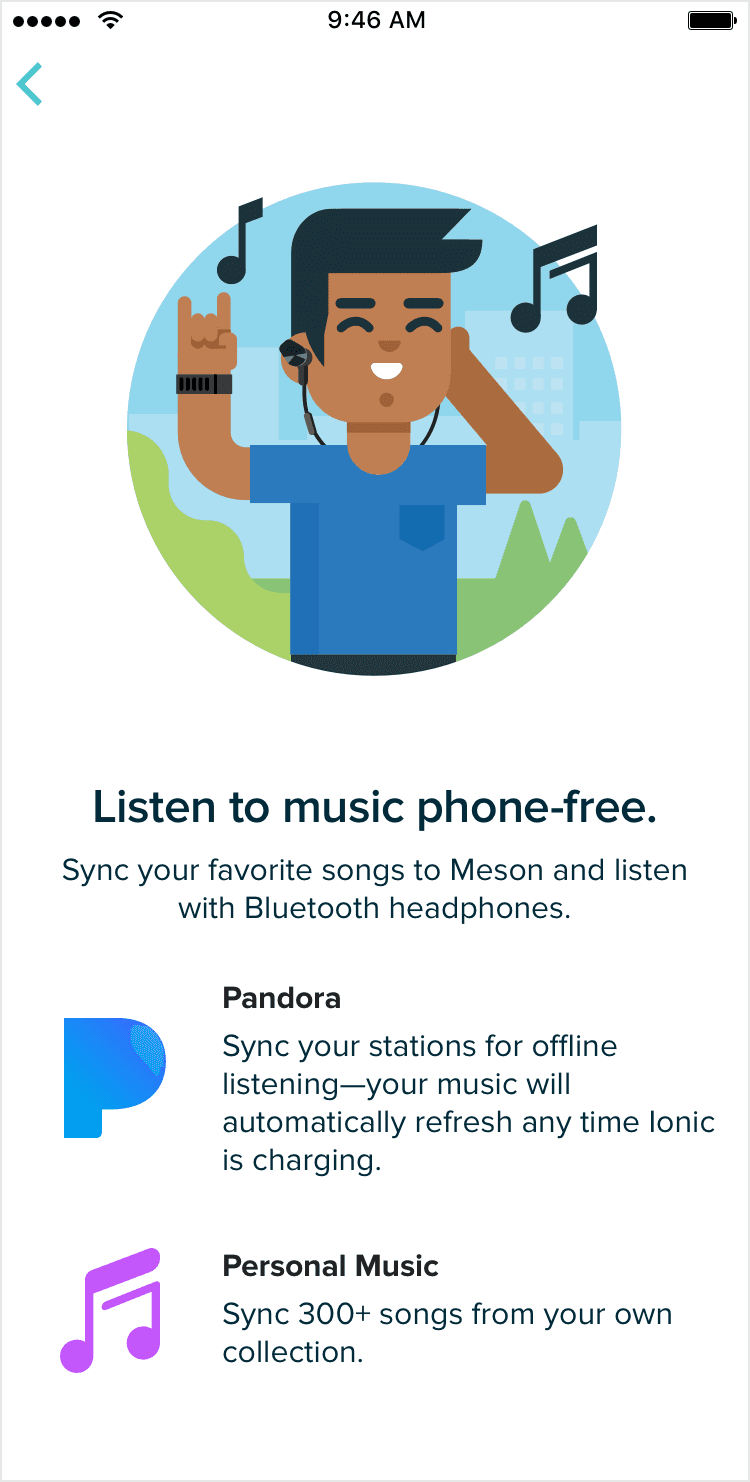
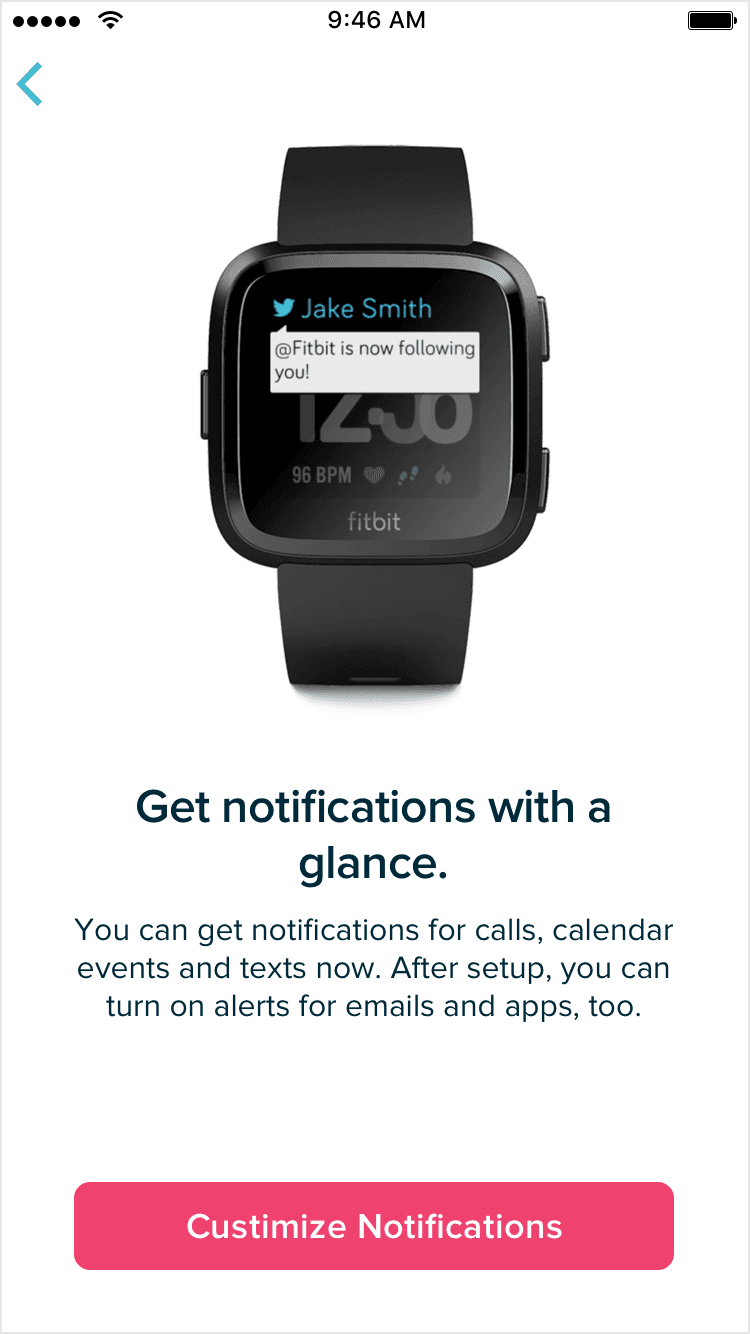
The device & feature education section included too many screens, creating cognitive overload and extending the onboarding experience. The flow needed to prioritize essential guidance on how to use the device while keeping setup concise, skippable, and easy to progress through.
Original 12+ screens for device and feature education
Explorations goals
Easy to navigate
Grab attention
Skippable
Fun interactive storytelling
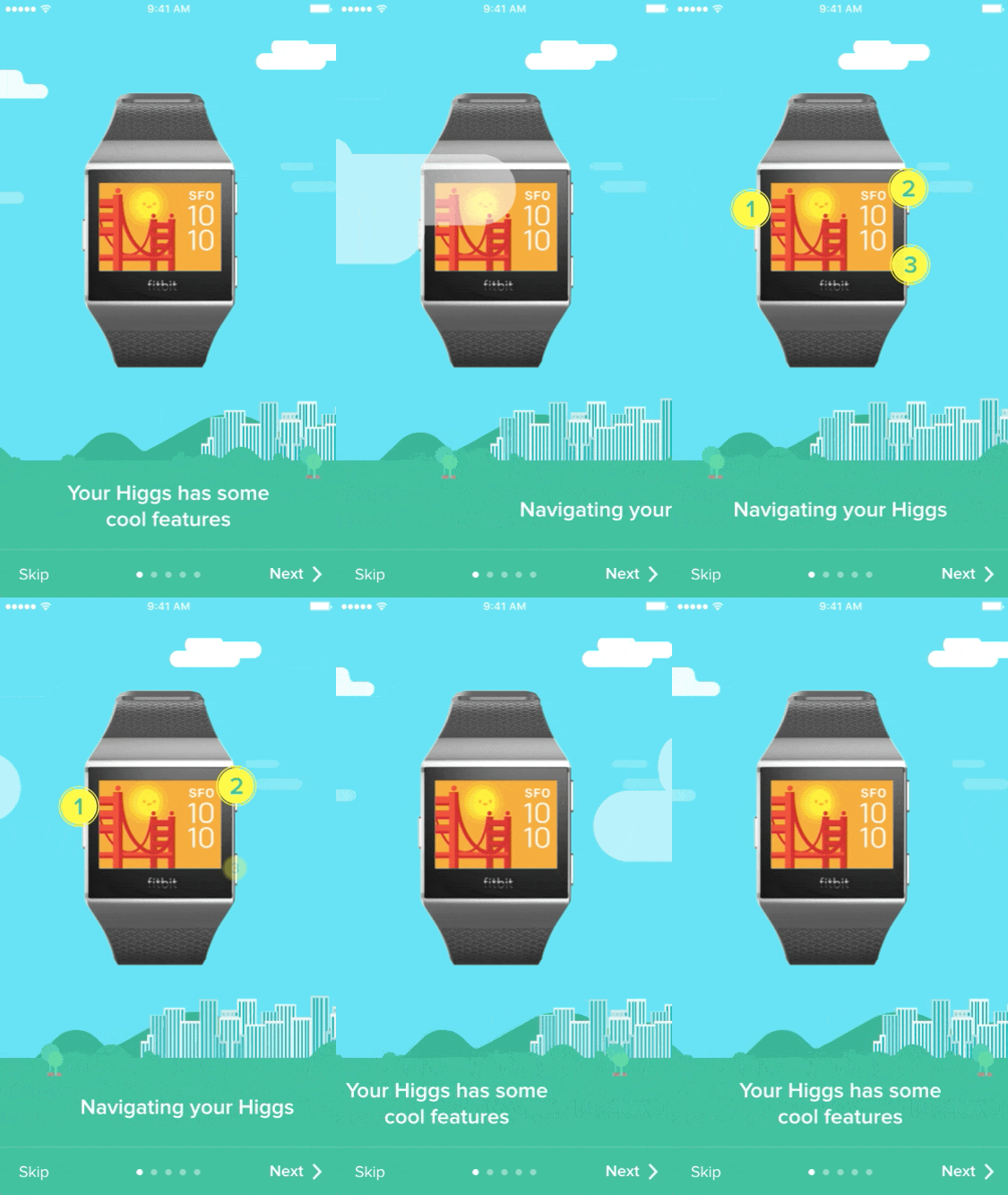
Easy to learn more 4 way navigation

"Needs text"
Original Flow
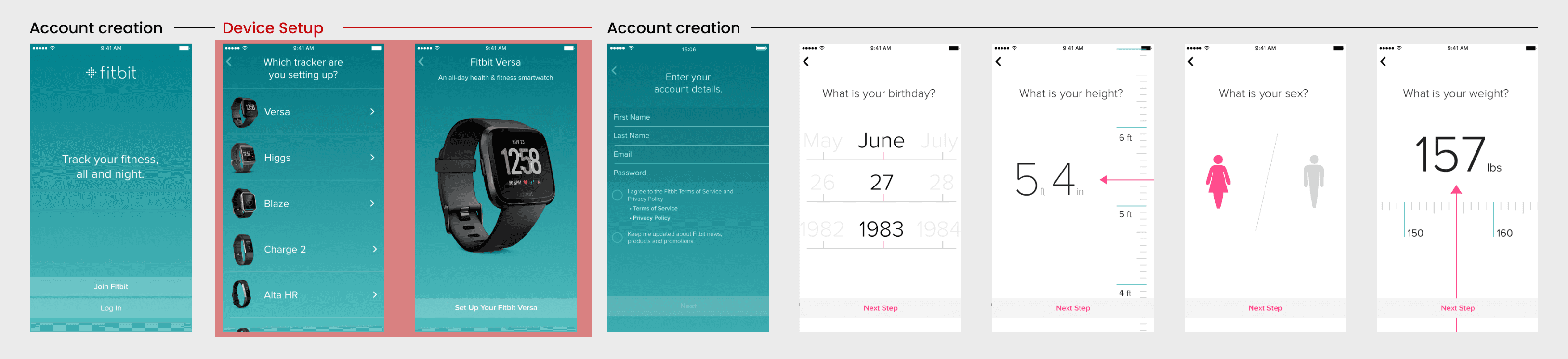
Flow after reorder
First I conducted unmoderated usability studies with a few participants: they had to answer different questions about the app and share their observations while using the initial low-fi prototype. After getting the data, I analyzed it and synthesized the information obtained. Finally, I found themes and came up with several insights.
The goal was to identify pain points that the user experiences with the app designs so the issues can be fixed before the final product launches.
In the beginning, before choosing a city and theater, it would be great to look through the whole app and learn everything about it.
There are no movie search - it's necessary to add it on the movies list page.
If user wants to change his account, he should be able to log out or delete it completely.
On this step, first I created a static, high-fidelity Voo's app design (keeping in mind all the conclusions from the previous phase of usability studies) that is a clear representation of a final product called design mockups.
After that, I created a high-fidelity prototype of the app.
I created all the app pages mockups, incorporating the right design elements such as typography, color, and iconography. I also included captivating and visually appealing images, and developed all the necessary components and elements.
The goal was to demonstrate the final Voo's app in as much detail as possible.
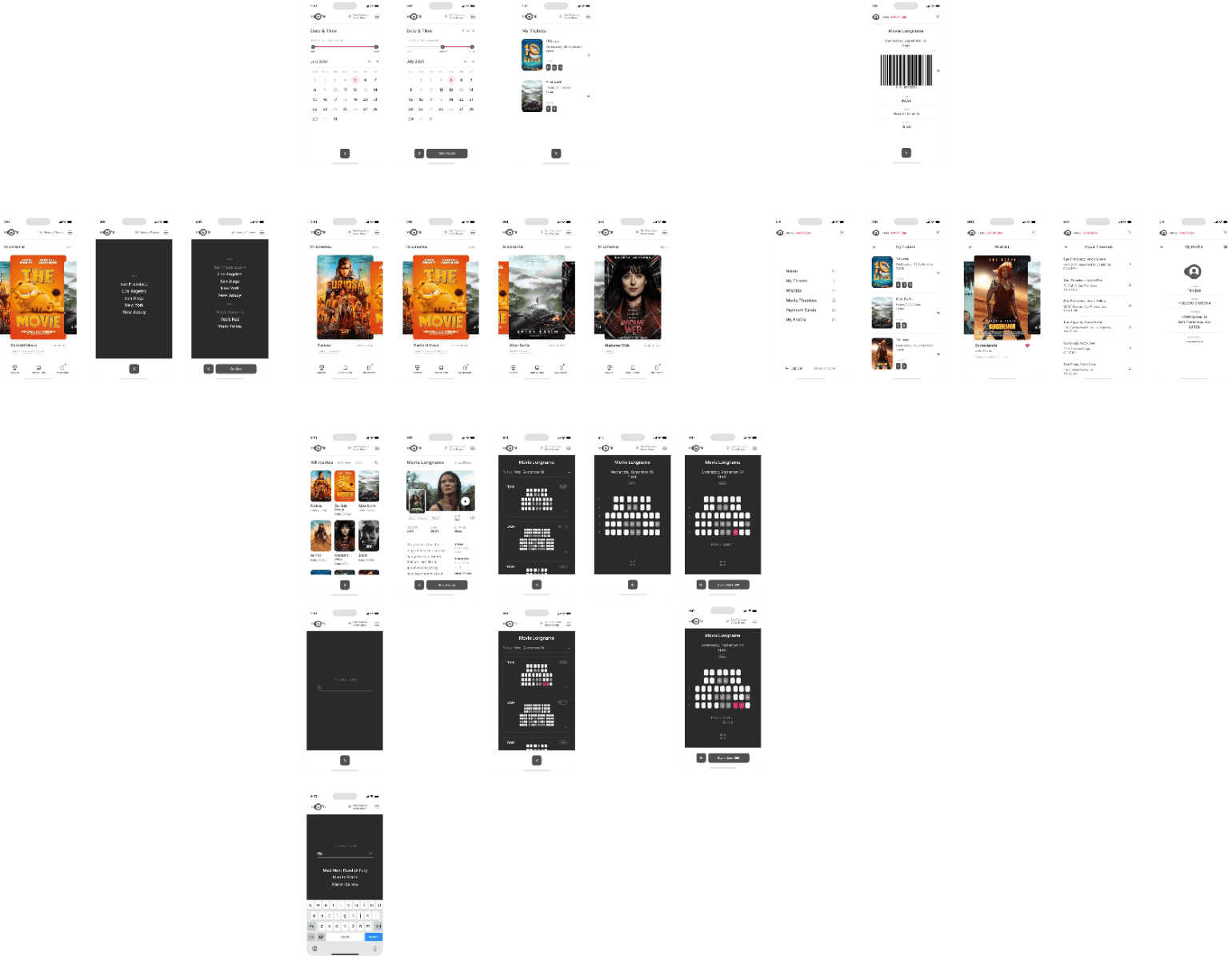
I turned my mockups into a prototype that's ready for testing, using gestures and motion, which can help enrich the user experience and increase the usability of the app.

City and cinema theater selection
Movies slideshow
List of movies + search option
Separate movie page, adding to favourites
Show selection: date and time, hall and seats
Adding selected seats
Calendar with results filtering
Menu and its sections
The project schematically :
I created various diagrams and storyboards to clarify and analyze the app's information and architecture. Afterward, I sketched paper wireframes and then transitioned to digital wireframes, building a low-fidelity prototype to conduct initial usability studies with stakeholders.
Our target users have found Voo's design to be intuitive, user-friendly, and easy to use: choose a movie, select seats, and buy tickets.
The key lesson I learned is that even minor changes can significantly impact the user experience. My biggest takeaway is to always prioritize the genuine needs of the user.
Conduct follow-up usability testing on the new app iteration.
Identify any additional areas of need and ideate on new features.